×

iFour Logo

Quick Summary

Many U.S. businesses face a common challenge: data being stuck in core systems, making analysis slow and frustrating.

Exporting and matching versions takes time and often causes mistakes.

This case study shows how iFour solved that issue with a custom Excel Add-in.

It connects Quickbase DB directly to Excel, so teams can use real-time data with familiar tools like pivot tables; no more manual exports, no more errors.

Impacts Observed:


70%

Less Work

100%

Faster Reports

40%

Faster Reports

30%

More Accuracy

3X

Productivity

About Customer

Our client is a fast-growing U.S. enterprise that uses a no-code solution (platform) to manage critical workflows and data.

Industry: Business Workflow & Data Management

Geography: United States

Size & Operations:Serving multiple departments with complex reporting needs

Initial Approach & Where It Failed: Initial Approach & Where It Failed

Why They Came to Us: They needed a solution that could connect Quickbase data directly to Excel for real-time analysis, eliminate manual work, and improve reporting accuracy.

Customer
call to action

Modernize your Office Add-in with AI for faster workflows and better performance.

Client Success Stories

See how we've transformed businesses with custom software solutions

Challenge

Even after having a core platform - flexible and robust, operational inefficiencies kept creeping in. Some of the key bottlenecks they faced were:

1

Repetitive, manual data exports from their system into Excel

2

No real-time synchronization that leads to outdated or inaccurate reports

3

Analysts repeatedly rebuilding pivot tables and formulas after each data refresh

4

Enterprise IT restrictions blocking Microsoft Store installations

5

Inconsistent file versions causing confusion and audit challenges

6

Manual workflows delaying insights and increasing human error

The Solution

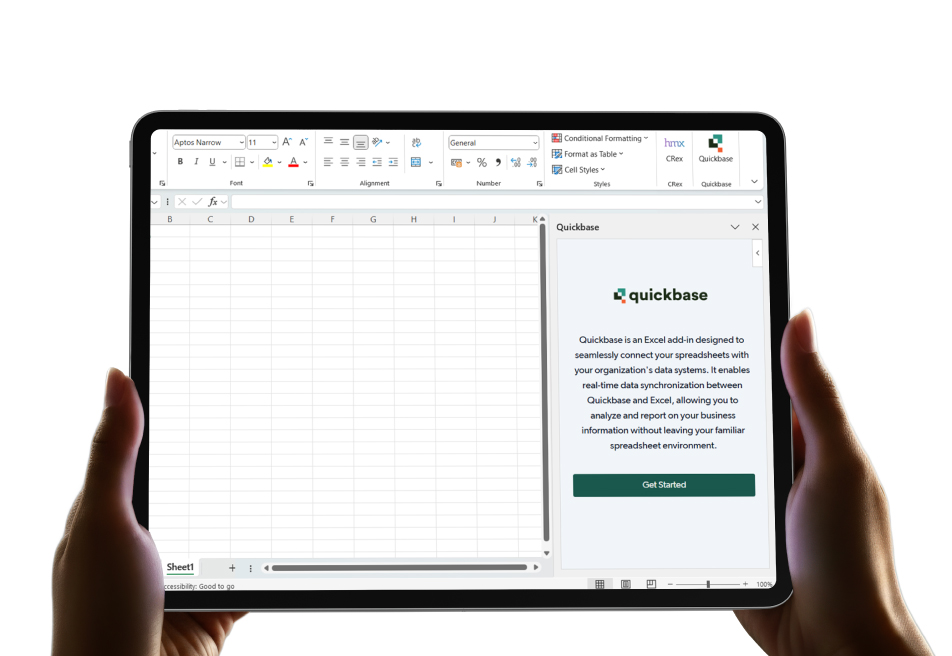
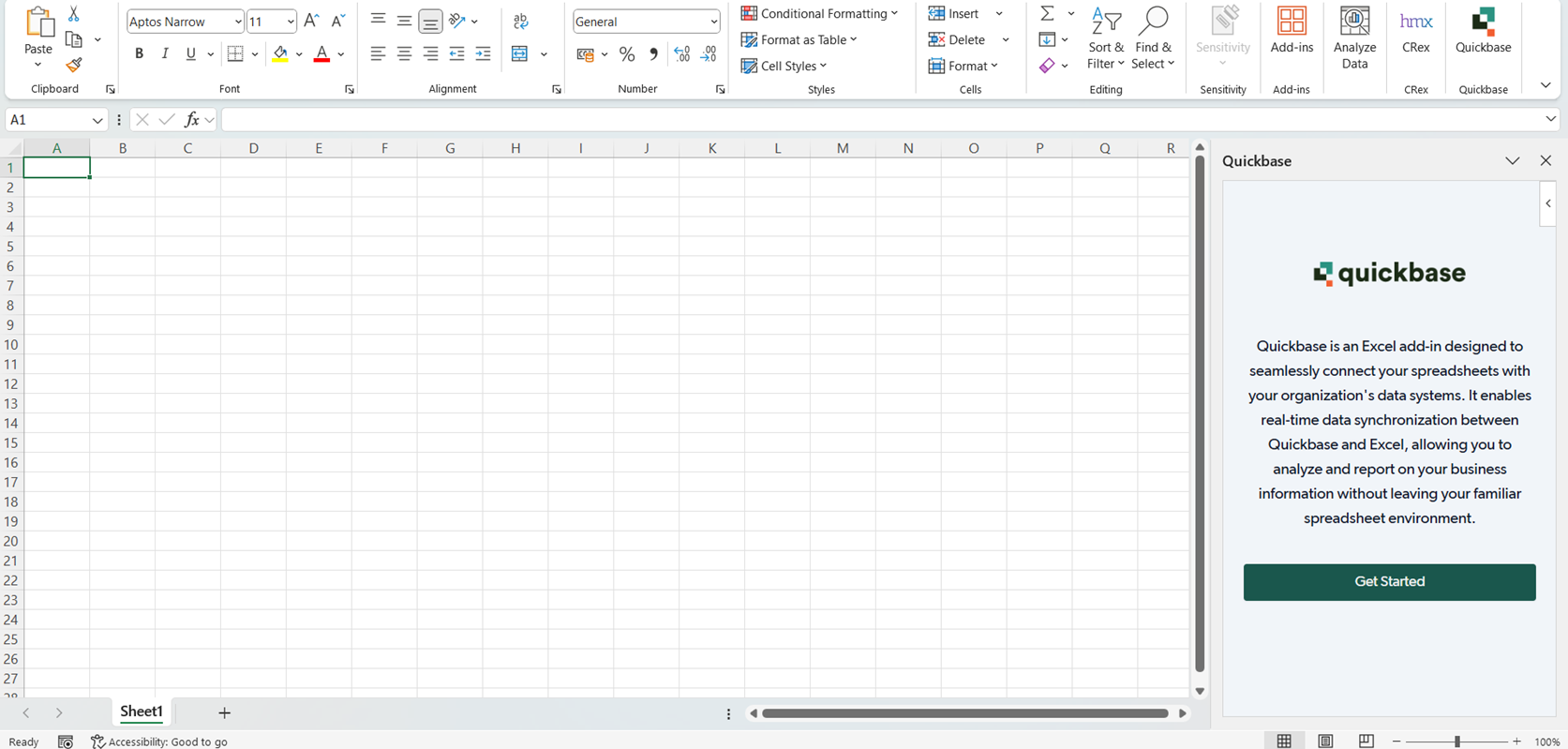
To overcome these challenges, iFour developed a versatile Excel Add-in built for enterprise-scale data management and designed to deliver a smooth, secure, and intuitive experience.

The solution was rolled out in two key phases to ensure rapid adoption and continuous scalability.

Web Portal
Phase 1 – MVP (Minimum Viable Product)

The MVP version focused on solving the core data connectivity and reporting pain points:


  • Easy Local Install
    Download and install the Add-in locally - perfect for companies that block Microsoft Store access.
  • Secure Login
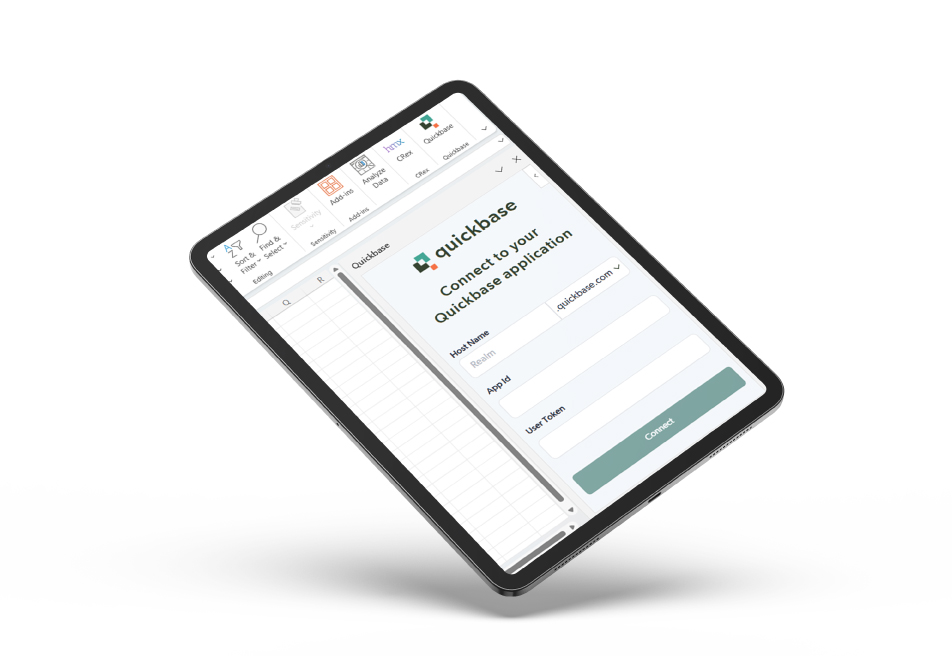
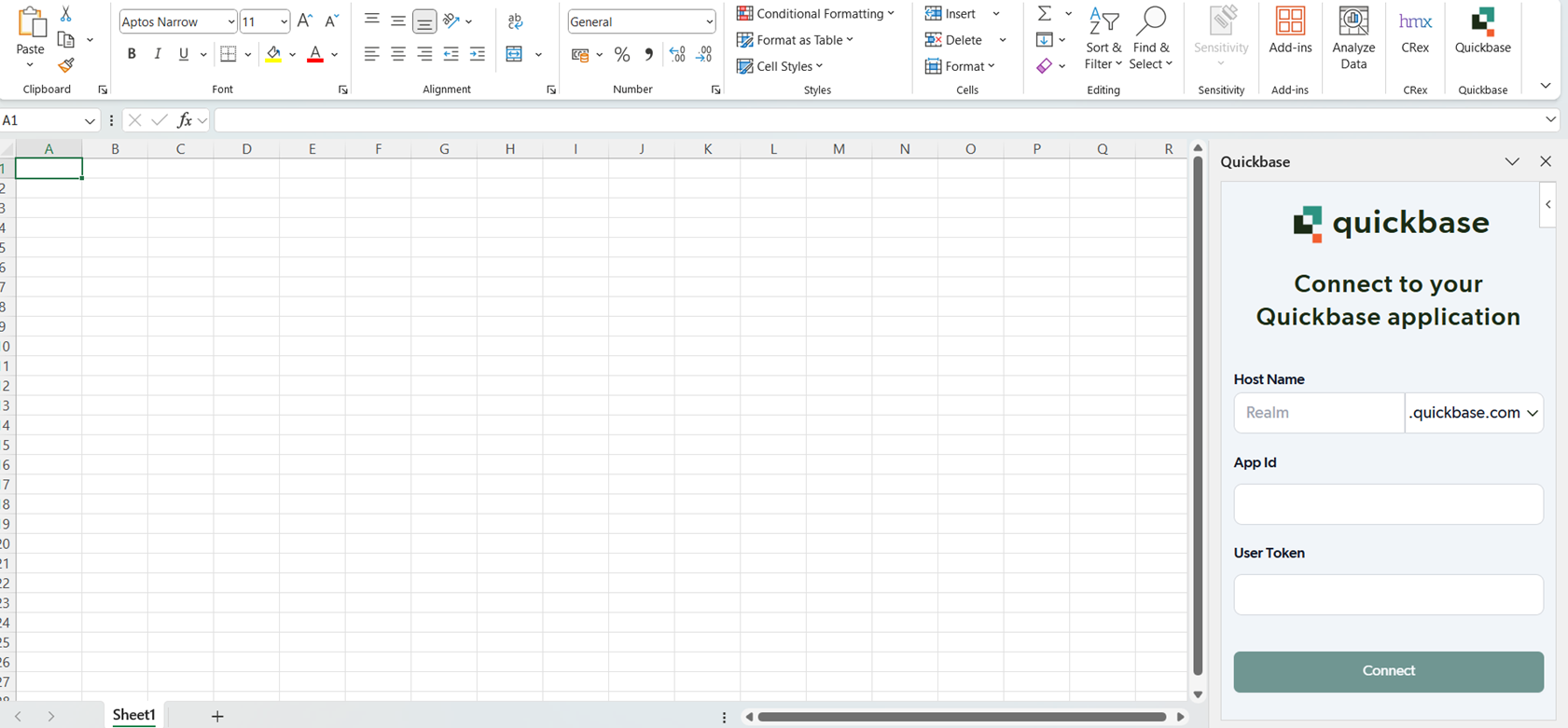
    Enter host name, Domain (.COM/.EU), App ID, and User Token in a guided panel for safe Quickbase connection.
  • Quick Data Import
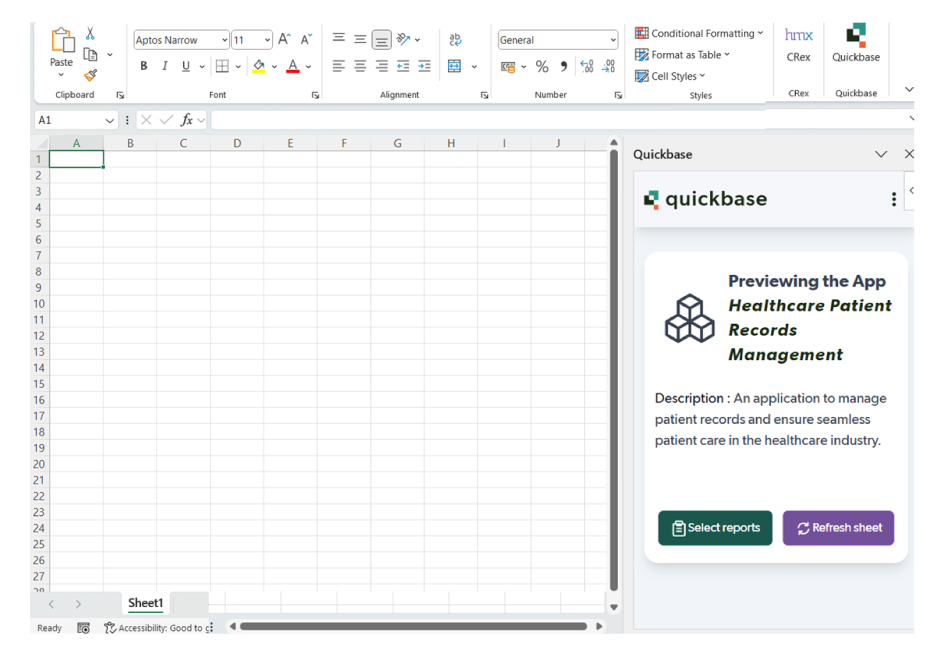
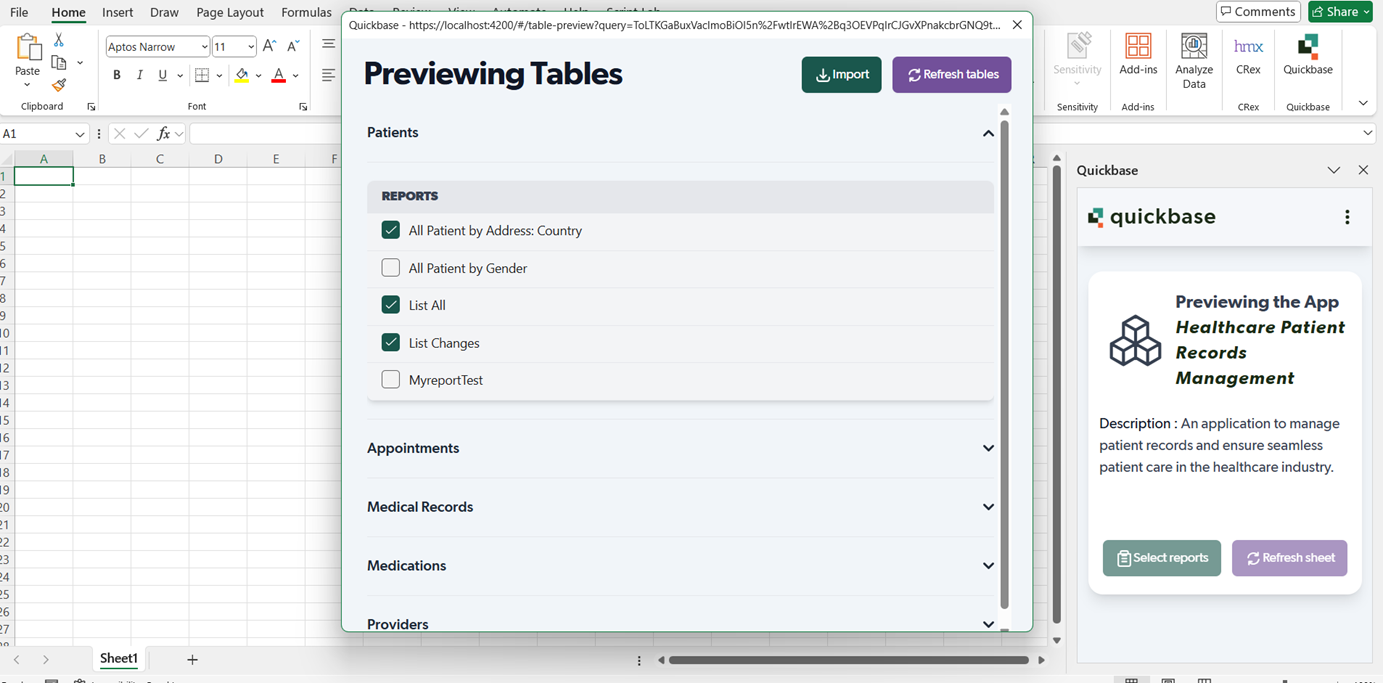
    Preview tables and reports, select what you need, and import them into separate Excel sheets. It supports 25 field types and 15 formula fields for accurate mapping.
  • One-Click Refresh
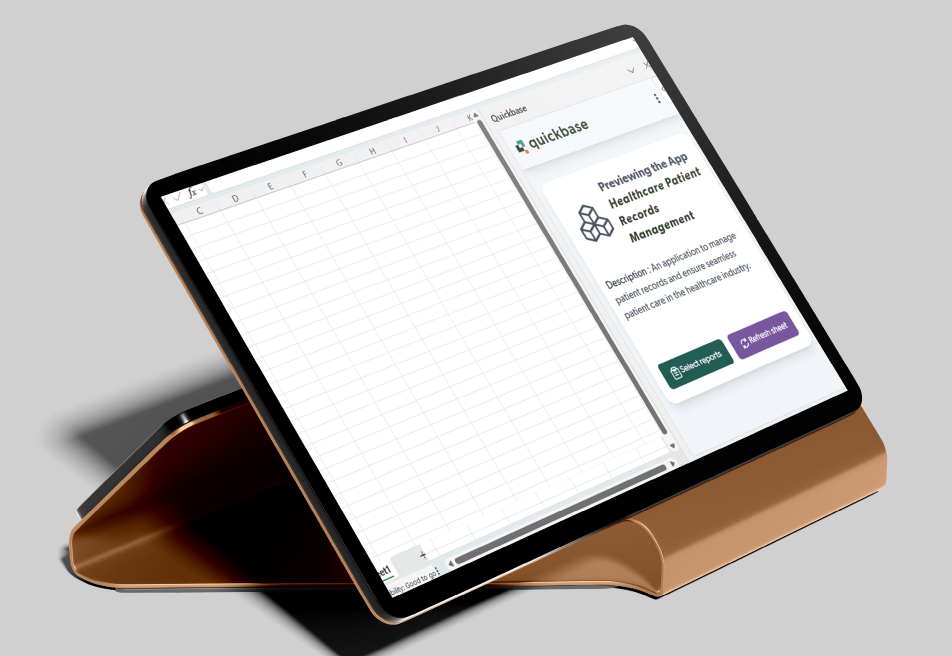
    Update old data instantly with the latest from Quickbase while keeping your Excel formatting and formulas intact.
Desired User Flow

  • 1. Download the Add-in:
    Users install the Excel Add-in locally, even in restricted IT environments.
  • 2. Connect to Quickbase:
    Enter Realm, Domain (.COM/.EU), App ID, and User Token to establish a secure connection.
  • 3. Import Data:
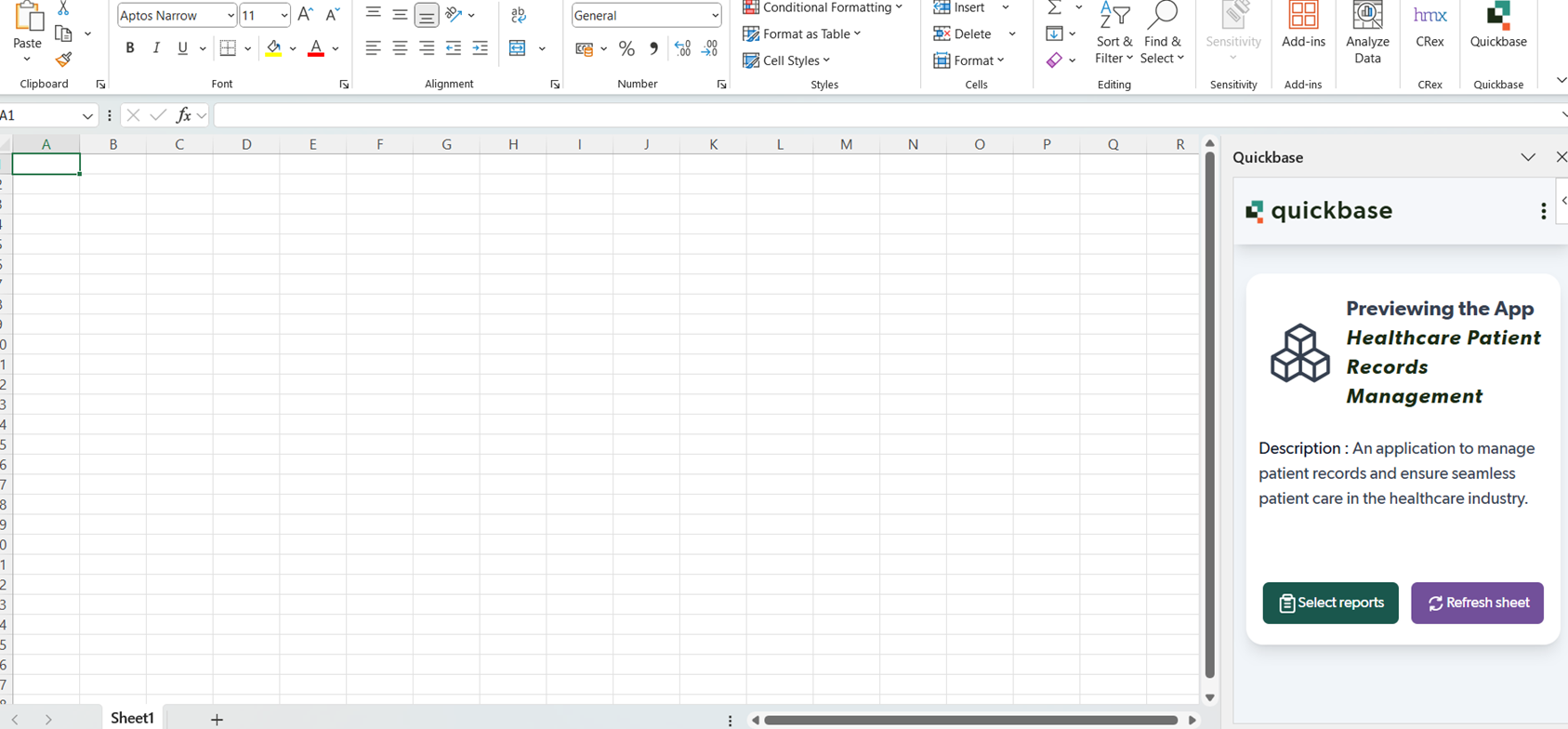
    Click “Select Reports” to view tables and available reports, then choose what to import - each report opens in a separate worksheet.
  • 4. Refresh Data:
    Update records anytime with a single click. The Add-in fetches the latest data from Quickbase and replaces old records seamlessly.
Mobile App
call to action

Automate your Excel Workflows with top-class Power Automate consulting services

Security, Compliance & Governance

The solution was built with enterprise-grade safeguards, ensuring secure and compliant operations:
  1. End-to-end encrypted connection setup
  2. Azure-backed infrastructure ensuring scalability and uptime
  3. Role-based access control for secure user authentication
  4. Data isolation and version integrity across environments
  5. Built with Microsoft 365 compliance standards
How We Built It (Technology Stack & Architecture)
Frontend: Angular 19
Type: OfficeJS Excel Add-in
Version Control: Git
Hosting: Azure cloud-based integration environment
The Add-in was architected for modular scalability, enabling future integrations with AI analytics, Power BI, and business automation systems.

Results That Mattered

The transformation was immediate and measurable:

  • 60–70% time savings on manual exports and data prep
  • Real-time reporting with up-to-date data directly in Excel
  • Improved accuracy and trust in reports
  • Adoption by 500+ enterprise users within months
  • 50% boost in analyst productivity with zero redundancy
  • Simplified IT management through local deployment flexibility
Dashboard
“With iFour’s Excel Add-in, we transformed the way our teams interact with business data
— making real-time reporting, smooth analysis, and secure connectivity possible right within Excel.” — Director of Data Operations, U.S. Enterprise Client

iFour has successfully resolved a US client’s challenge of handling live data and consistency by developing a tailor-made Excel Add-in.

This Office extension enabled real-time connectivity between Quickbase and Excel, which eliminated manual exports, reduced inconsistencies, and simplified reporting.

The Phase 1 MVP provides vital import and refreshing features. With this tool, users can easily generate table reports with live Quickbase data – improving productivity, workflows and decision-making.

Want to make your business operations easier? Work with us or hire Office Add-in developers on flexible plans.

iFour provided end-to-end rollout support, from installation and training to ongoing maintenance. The Add-in’s architecture is designed for scalability — ready for future integration with Power BI dashboards, predictive analytics, and AI-based automation.

Take your workflows to the next level with Office 365 licenses

Contact Now
contact team
talk with team

Get In Touch With Us

We encourage you to contact us with any questions or comments you may have.

image

Our Portfolio

Take a look at our latest projects, where digital transformation comes to life.

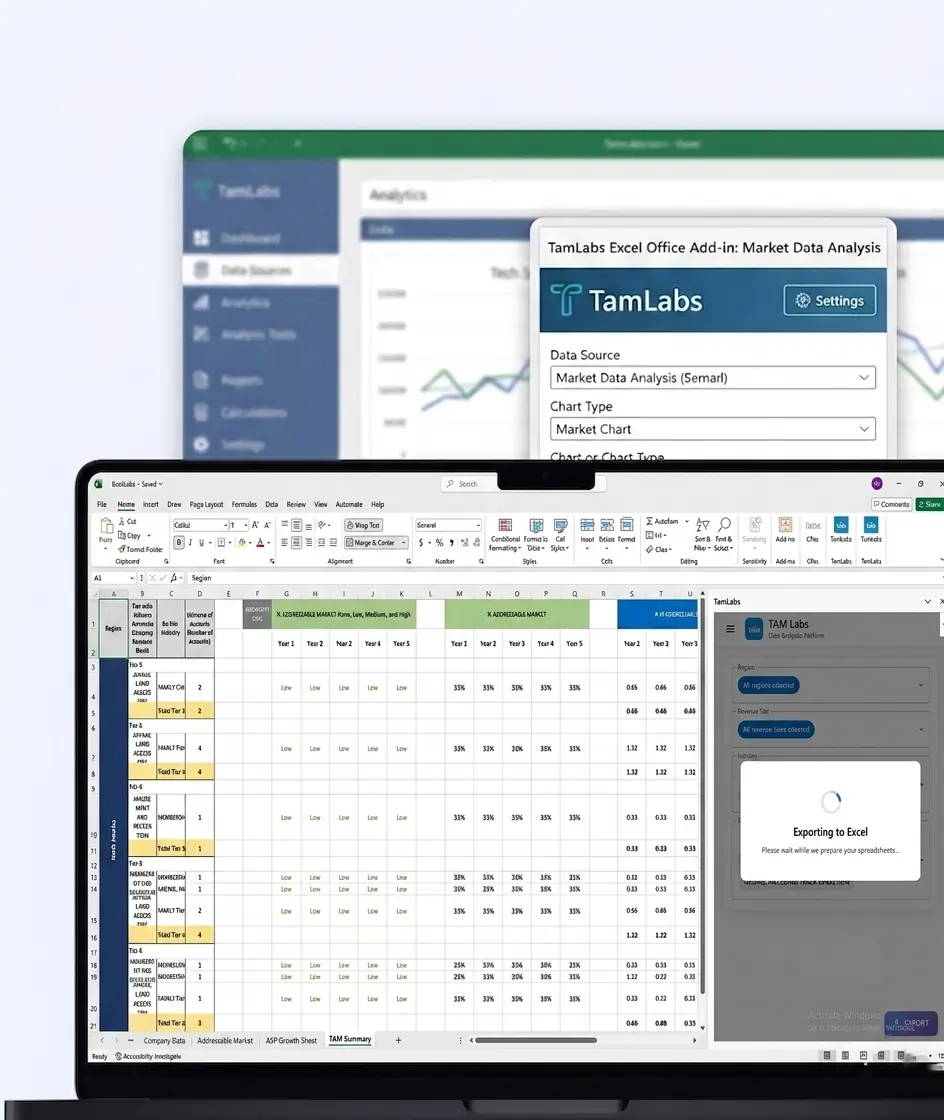
TamLabs Excel Office Add-in for Market Data Analysis

TamLabs Excel Office Add-in for Market Data Analysis

This Excel add-in automates TAM/ASP reporting, improves real-time insights, and simplifies market intelligence workflows for Orca Labs.

Impacts Achieved

85%
Faster Accessibility
75%
Better Collab
70%
Faster Insights
  View Case Study  
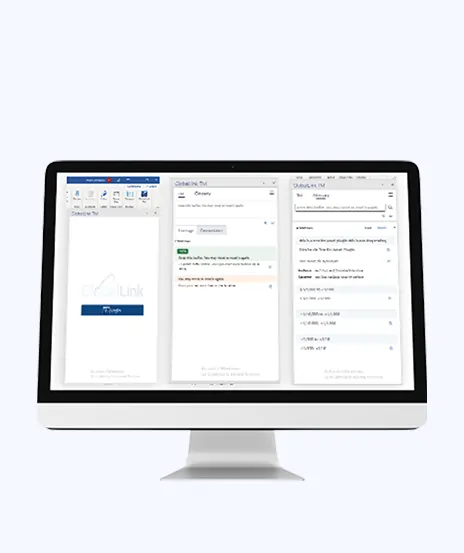
Driving Translation Accuracy with Custom Word Add-in Development

Driving Translation Accuracy with Custom Word Add-in Development

This platform helps manage translation workflows. It assigns tasks, improves coordination, and supports multilingual work.

Impacts Achieved

90%
Better Translation
85%
Improved Efficiency
4X
Faster Data Access
  View Case Study  
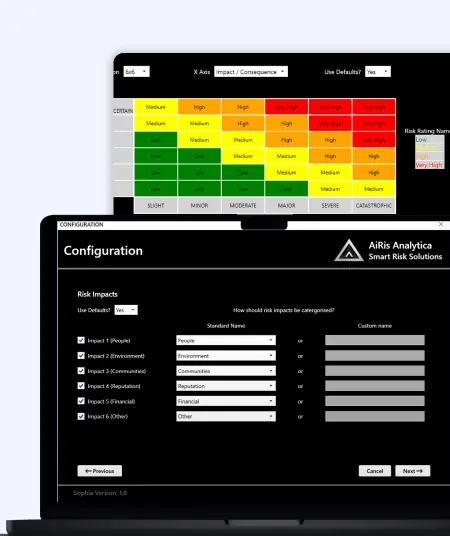
Sophia Excel Add-in for Risk Management

Sophia Excel Add-in for Risk Management

This Excel add-in automates risk reporting, dashboards, and improves visibility, reducing manual effort for risk analysts.

Impacts Achieved

80%
Report Accuracy
70%
Boost Workflow
90%
Better Visibility
  View Case Study  
Slide Breeze PowerPoint Add-in for Smart Presentation Automation

Slide Breeze PowerPoint Add-in for Smart Presentation Automation

This PowerPoint add-in automates slide formatting, transitions, and animations, improving workflow efficiency and presentation consistency.

Impacts Achieved

80%
Less Manual Effort
70%
Faster Editing
90%
Better Consistency
  View Case Study  
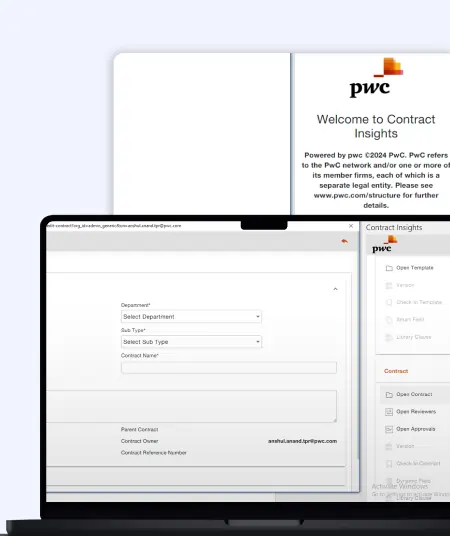
PWC Contract Management Word Add-in for Legal Workflow Automation

PWC Contract Management Word Add-in for Legal Workflow Automation

This Word add-in automates legal contract customization, reduces errors, and improves accuracy for streamlined document preparation.

Impacts Achieved

80%
Faster Processes
70%
Bost Efficiency
85%
Better Visibility
  View Case Study  
Simplifying Structured Documentation with Custom Word Add-in

Simplifying Structured Documentation with Custom Word Add-in

This solution focuses on document automation. It reduces manual work, ensures consistency, and saves time.

Impacts Achieved

70%
Faster Creation
3x
Improved Efficacy
100%
Compliance
  View Case Study  
 
Blog Our insights
AI in Legal Practice: Powerful Use Cases Every Lawyer Should Know

10 September 2026

Kapil Panchal

AI in Legal Practice: Powerful Use Cases Every Lawyer Should Know

Quick Summary Lawyers use AI to research faster, draft/review contracts, review large documents, track compliance, and automate legal workflows. However, they must verify...


How to Use Power BI for Sales Forecasting (Guide for CTOs)

06 August 2026

Kapil Panchal

How to Use Power BI for Sales Forecasting (Guide for CTOs)

Sales Forecasting isn't optional anymore. Whether you are a startup or a mid-level enterprise, every decision you make today depends on how well you predict the future. Instead...

AI in Power BI - Top Use cases and Best Practices

03 August 2026

Kapil Panchal

AI in Power BI - Top Use cases and Best Practices

Quick Summary: Power BI uses AI to automatically point out patterns, identify anomalies, and create forecasts, providing analysts and executives with the insights necessary...

Full Project Display
1 / 4