×

iFour Logo

Quick Summary

Managing presentation content across teams was time-consuming for Partner Toolkit. Their users struggled to quickly find the right slides, templates, and branded assets, eventually affecting their productivity and presentation consistency.

As an iFour Technolab developed a powerful enterprise presentation management solution that works directly inside PowerPoint. With this PowerPoint add-in for presentation handling, organizations can improve collaboration, standardize presentations, and reduce time spent searching for slides.

Impacts Observed:


80%

Faster Management

75%

Less Manual Efforts

85%

Boost Consistency

70%

Save Search Time

90%

Better Collaboration

About Customer

Partner Toolkit is an organization based in UAE focused on improving presentation quality, knowledge sharing,
and operational productivity for consultants, analysts, business teams, and corporate professionals.

Industry: Business Consulting & Presentation Management

Geography: UAE

Why They Came to Us:

As operations expanded, managing roof inspections and maintenance became challenging.

  • Firm struggled to find and manage the right presentation assets across different Teams
  • Client struggled to quickly find and manage presentation assets across departments
  • Maintaining consistency in presentations and branded content was difficult
  • Requesting design and research support was slow and manual
  • Managing presentation content across teams was time-consuming for Partner Toolkit.
  • Tracking content usage and engagement was challenging for teams
Client overview
call to action

Experience faster presentation creation, better brand consistency, smarter collaboration with our custom Microsoft Powerpoint add-in services.

Client Success Stories

See how we've transformed businesses with custom software solutions

Challenges

Managing presentations without a structured system created several operational challenges and reduced productivity.
To improve collaboration and content management, they needed an enterprise presentation management solution. They were facing the following issues:

1

No centralized platform to manage PowerPoint assets

2

Difficulty maintaining brand consistency across presentations

3

Repeated effort in creating slides from scratch

4

Challenges in managing access permissions for users

5

Slow content discovery and poor search experience

6

Lack of visibility into downloads, usage, and engagement

7

Limited visibility into downloads, usage, and user engagement

They required a custom Office Add-in that will structure the system, manage presentations of different departments, and reduce search time.

Our Solution

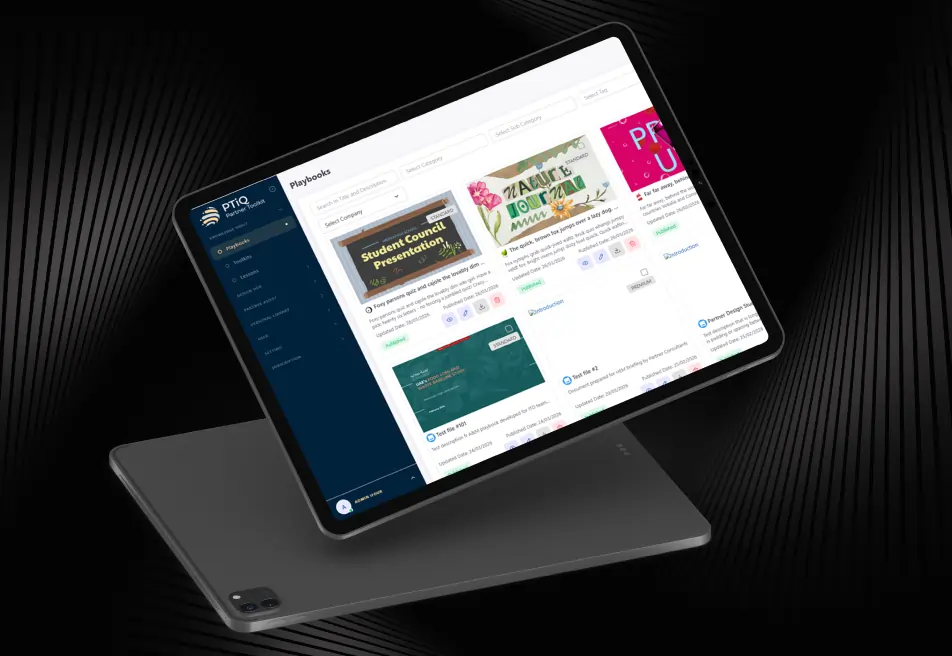
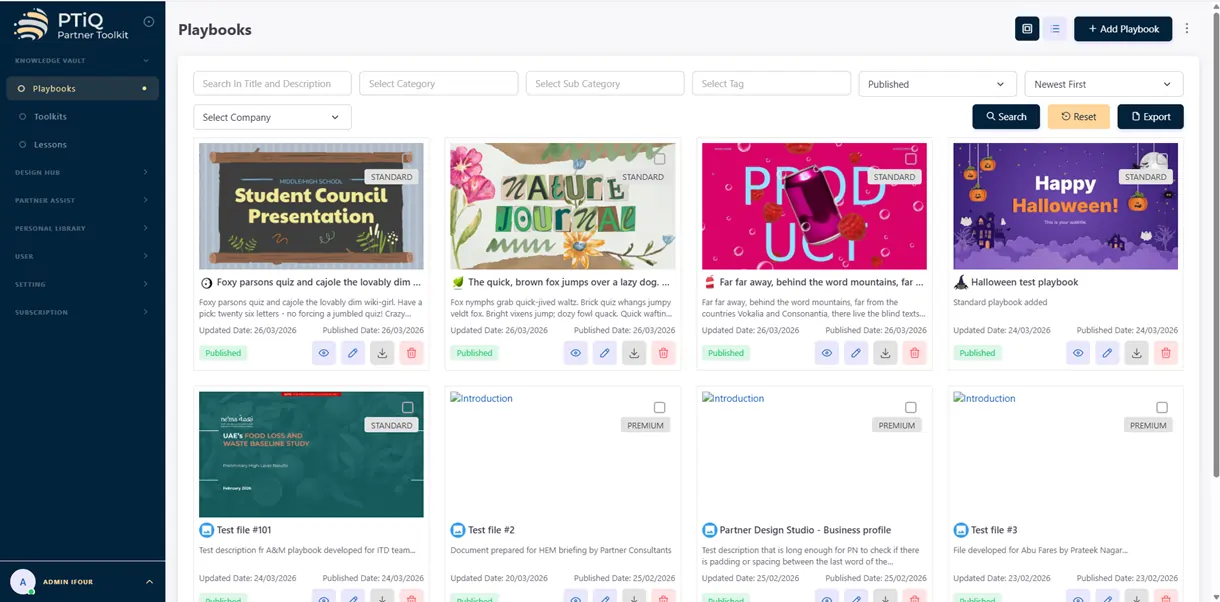
We developed PTiQ, a scalable centralized content platform for PowerPoint that helps organizations manage
presentation assets, templates, and collaboration workflows directly inside PowerPoint.

PTIQ Powerpoint Addin For Productive Presentations 10

Here are the key features included:


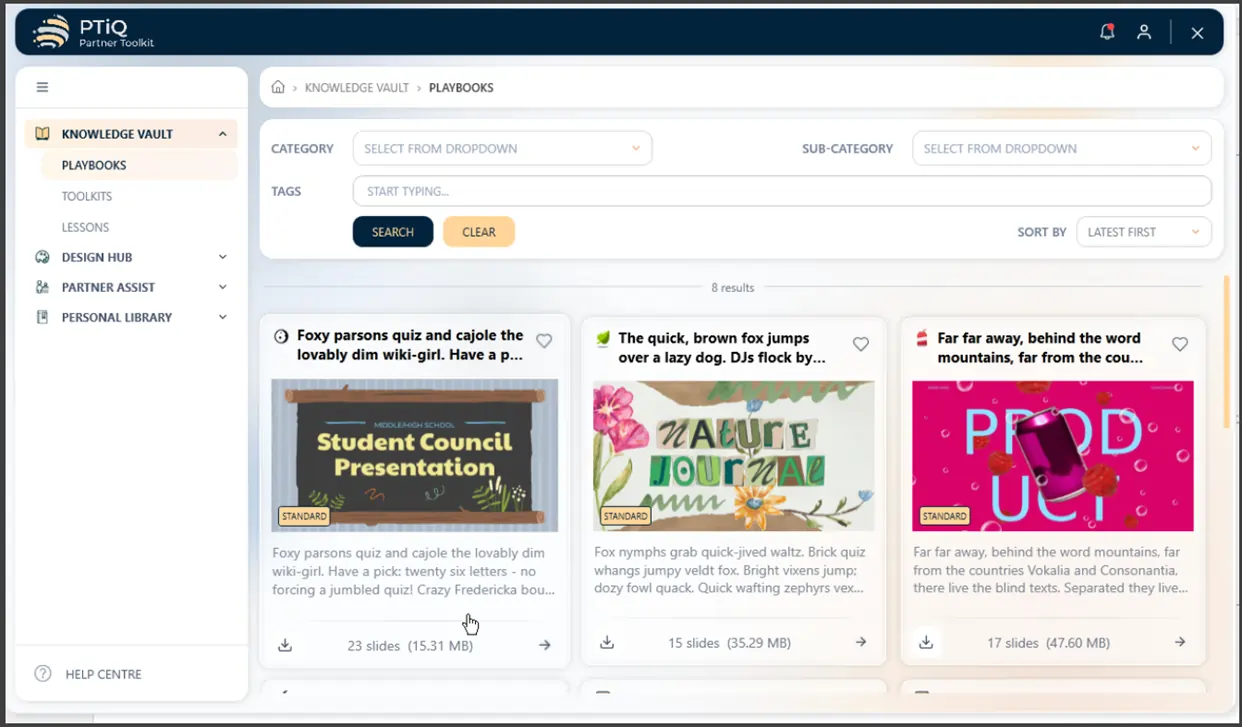
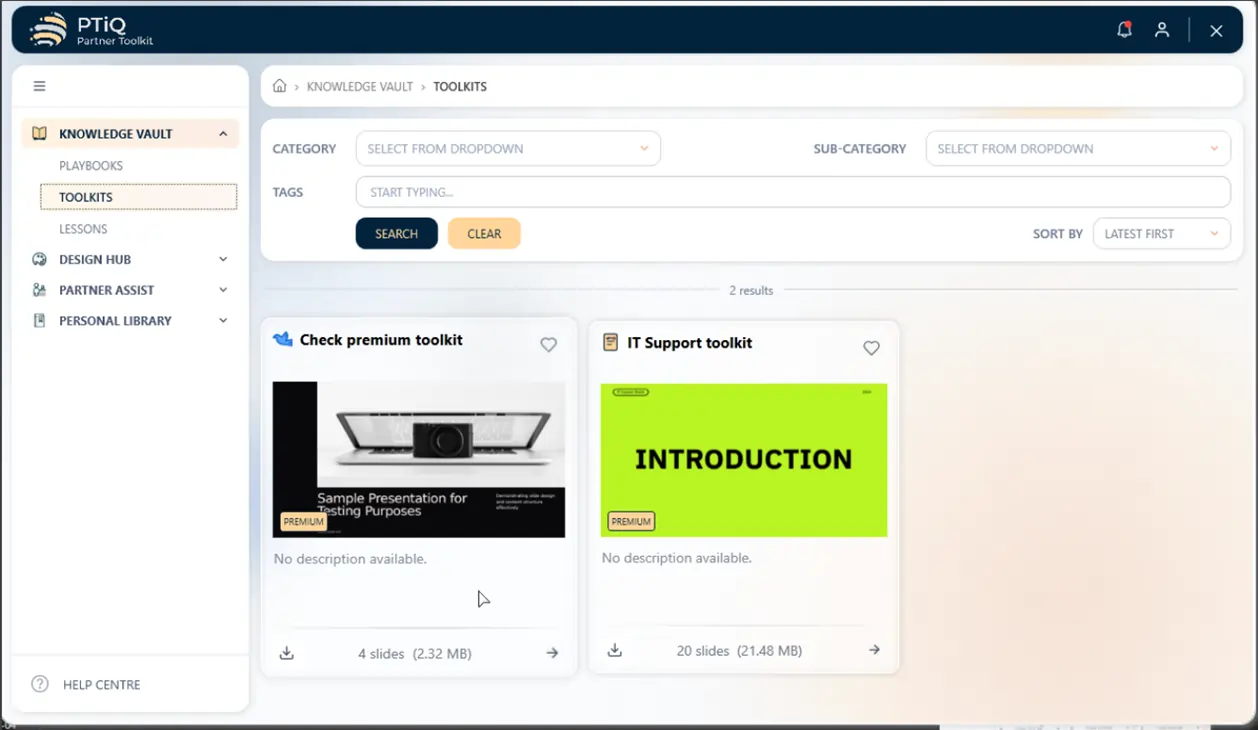
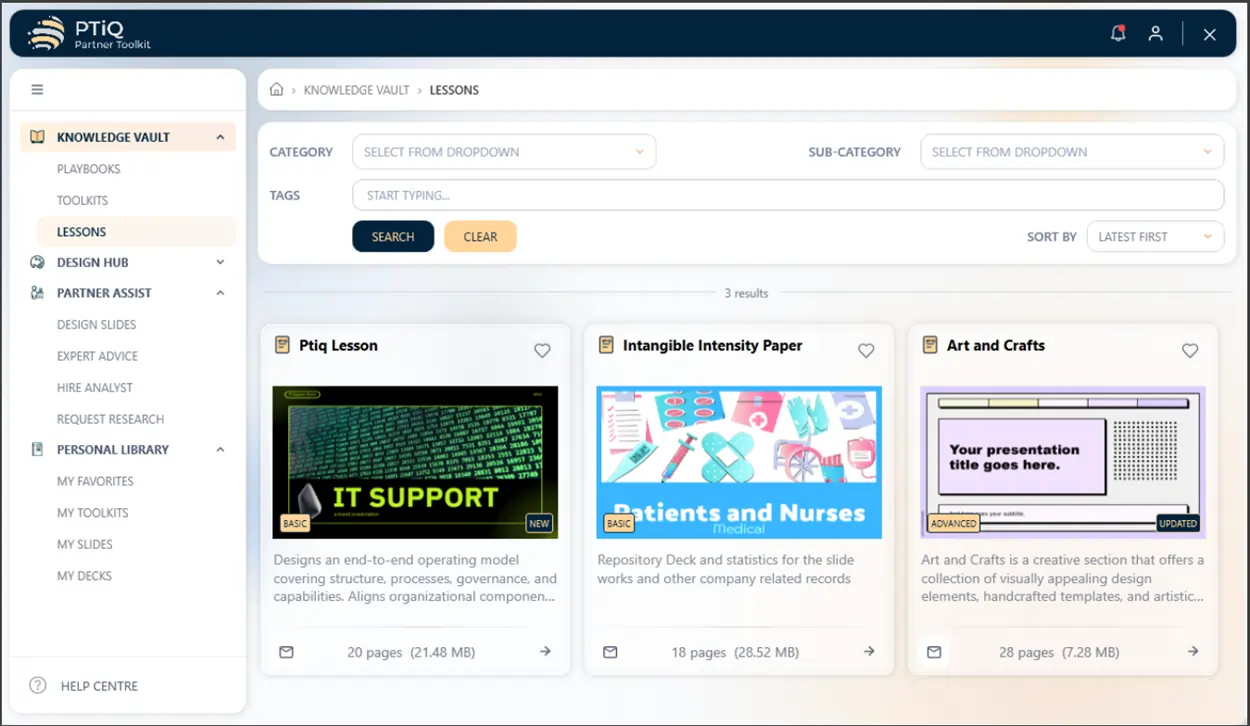
  • Centralized Presentation Content
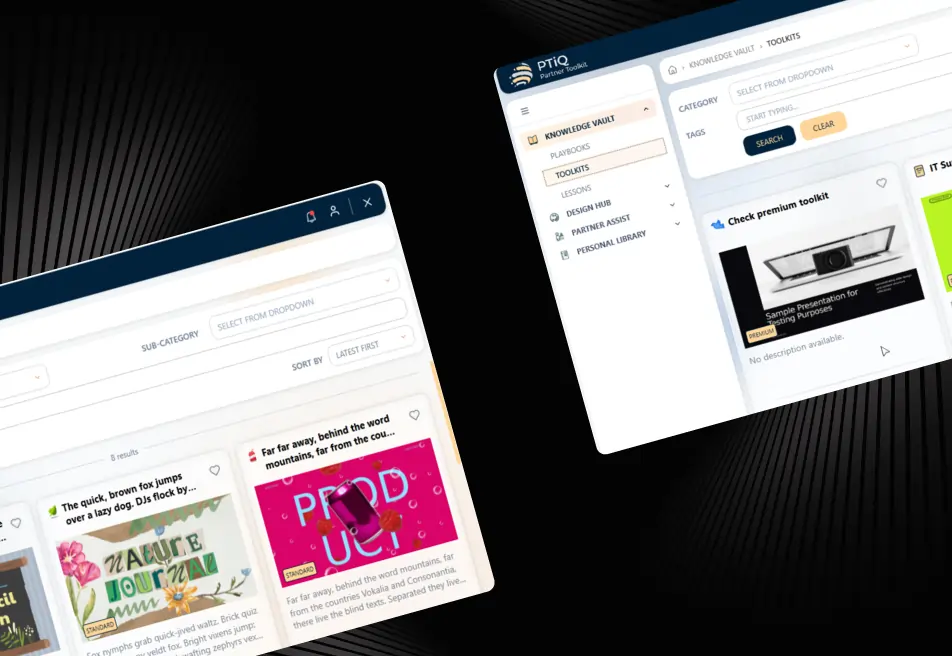
    Access playbooks, templates, graphics, and toolkits directly inside PowerPoint.
  • Smart Content Search
    Helps users quickly find approved slides and reduces time spent searching for slides in PowerPoint.
  • Subscription-Based Access Control
    Manage access based on subscription plans and user roles.
  • Partner Assist Services
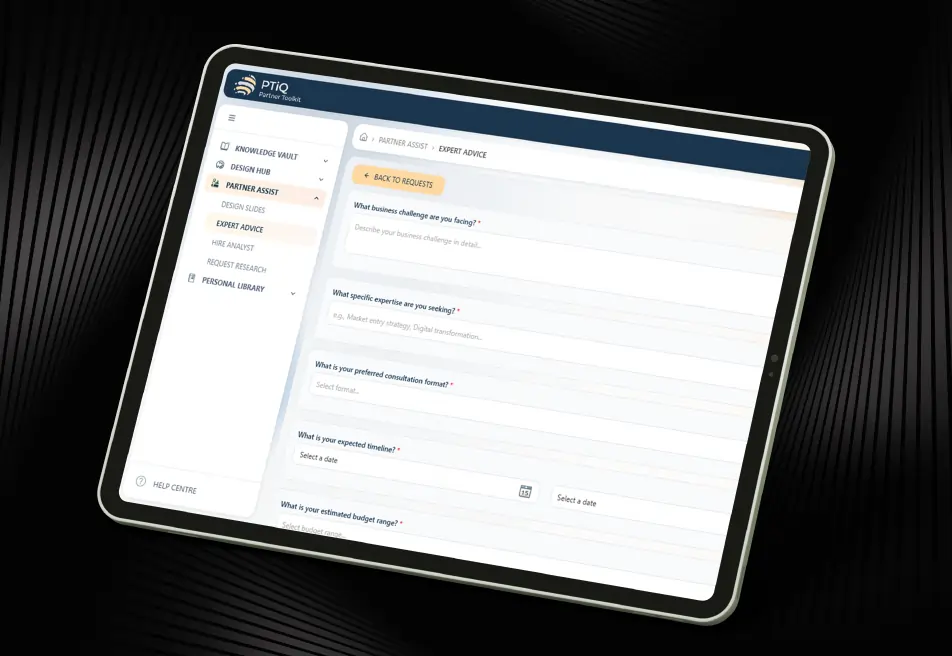
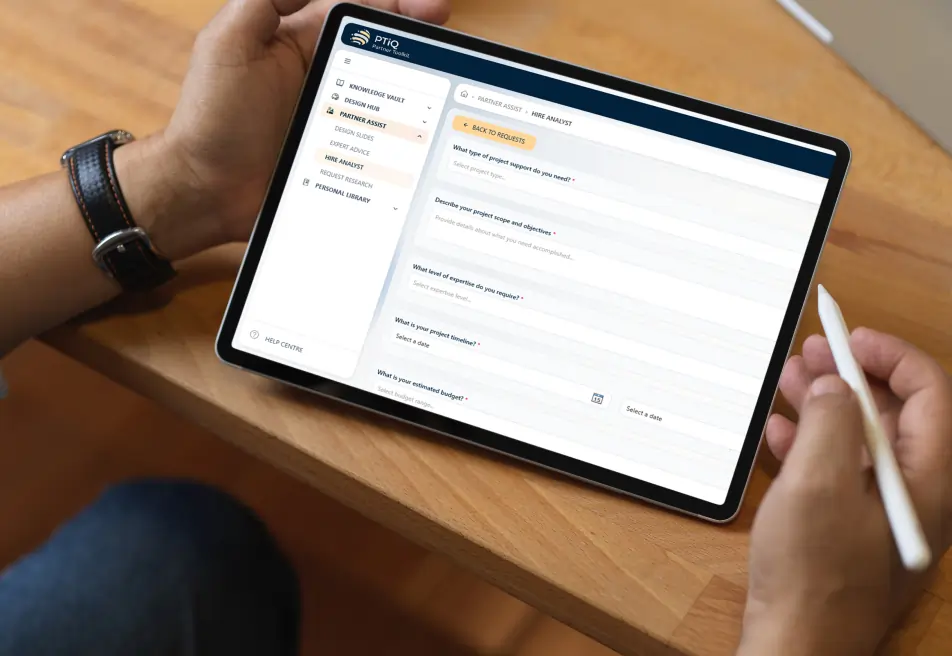
    Users can request design support, research assistance, and expert consultation directly from the platform.
  • Personal Library
    Store and manage personal slides, templates, and presentation decks securely.
  • Admin Dashboard
    Manage PPT uploads, permissions, and user engagement from one centralized panel.
PTIQ Powerpoint Addin For Productive Presentations 11

Version Control & Governance

  • Maintain presentation quality and improve brand consistency across presentations.

Looking to improve quality, productivity, and efficiency in your business operations with custom Office Add-in services? Let iFour Technolab help you build it.

Outcome
  • The solution improved presentation management by centralizing templates, slides, and branded assets inside PowerPoint. Teams could quickly access approved content, collaborate more efficiently, and reduce manual work.
  • With this enterprise presentation management solution, the client improved presentation consistency, simplified content management, and increased productivity across teams.
call to action

Improve productivity, collaboration, and content management across your organization with our Microsoft 365 Development services.

Security, Compliance & Governance

  1. Role-based and subscription-based access control
  2. Secure user authentication inside PowerPoint
  3. Controlled visibility of premium content
  4. Secure personal storage for decks and slides
  5. Centralized usage tracking and audit visibility
  6. Scalable architecture for enterprise content governance
How We Built It

(Technology Stack & Architecture)

Frontend: Office PowerPoint Add-ins (VSTO Framework)
Backend: ASP.NET Core Web API
Database: Microsoft SQL Server
Cloud Storage: Azure Blob Storage
Content Delivery: Azure CDN, Payment Integration: Stripe

Impact That Mattered

The centralized content platform for PowerPoint improved operational efficiency,
collaboration, and presentation consistency across teams.

  • Centralized content management inside PowerPoint
  • Improved productivity with ready-to-use templates
  • Personalized user experience with subscription control
  • Direct collaboration with experts and analysts
  • Secure personal content storage
  • Improved productivity by reducing time spent on creating presentations
  • Ensured consistency and quality across all presentation materials
  • Simplified access to design resources and expert support
  • Enhanced user experience with seamless integration inside PowerPoint
  • Increased efficiency in managing and distributing content
  • Better tracking of user activity, subscriptions, and engagement
Key outcomes
“PTiQ completely changed the way our teams work with presentations. What once took hours of
searching and manual effort is now fast, simple, and organized. Our teams can instantly access the right content,
maintain brand consistency, and collaborate with confidence across the organization.” — Director, Knowledge & Productivity Solutions

iFour Technolab developed a scalable PTiQ PowerPoint add-in for presentation management that helps organizations centralize presentation content, improve collaboration, and increase productivity.

By combining smart search, subscription management, governance, and expert support into one platform, the solution helps enterprises standardize presentations and simplify content management inside PowerPoint.

  • Smooth deployment with minimal workflow disruption
  • User onboarding and training support
  • Continuous platform improvements and updates
  • Scalable roadmap for future integrations
  • Ongoing monitoring and maintenance support

Build an enterprise presentation management solution for your organization with our Modernize Your PowerPoint Add-in with AI.

Get In Touch with Us
contact team
talk with team

Get In Touch With Us

We encourage you to contact us with any questions or comments you may have.

image

Our Portfolio

Take a look at our latest projects, where digital transformation comes to life.

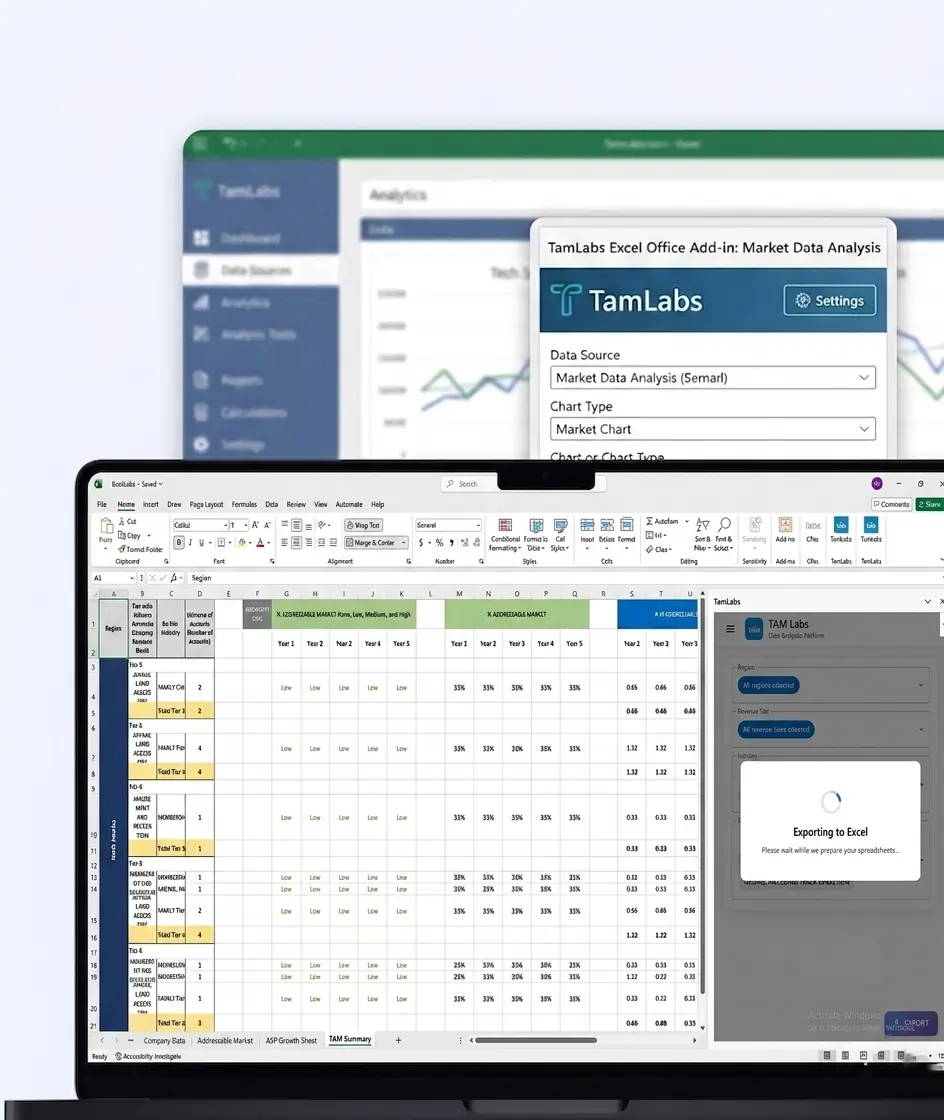
TamLabs Excel Office Add-in for Market Data Analysis

TamLabs Excel Office Add-in for Market Data Analysis

This Excel add-in automates TAM/ASP reporting, improves real-time insights, and simplifies market intelligence workflows for Orca Labs.

Impacts Achieved

85%
Faster Accessibility
75%
Better Collab
70%
Faster Insights
  View Case Study  
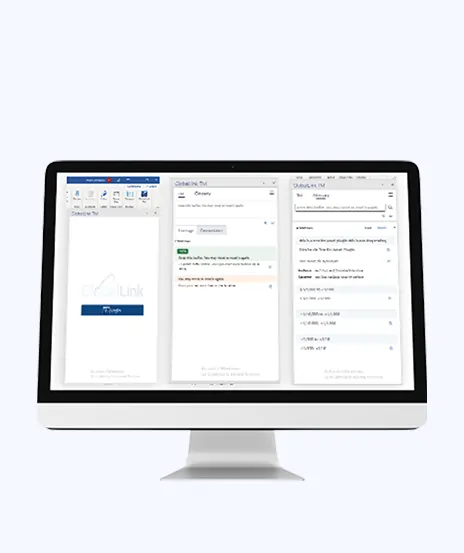
Driving Translation Accuracy with Custom Word Add-in Development

Driving Translation Accuracy with Custom Word Add-in Development

This platform helps manage translation workflows. It assigns tasks, improves coordination, and supports multilingual work.

Impacts Achieved

90%
Better Translation
85%
Improved Efficiency
4X
Faster Data Access
  View Case Study  
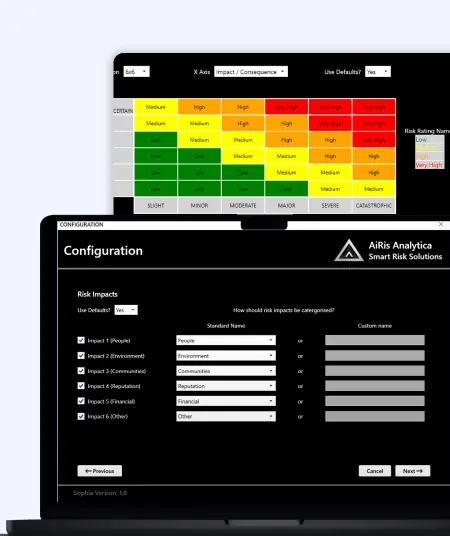
Sophia Excel Add-in for Risk Management

Sophia Excel Add-in for Risk Management

This Excel add-in automates risk reporting, dashboards, and improves visibility, reducing manual effort for risk analysts.

Impacts Achieved

80%
Report Accuracy
70%
Boost Workflow
90%
Better Visibility
  View Case Study  
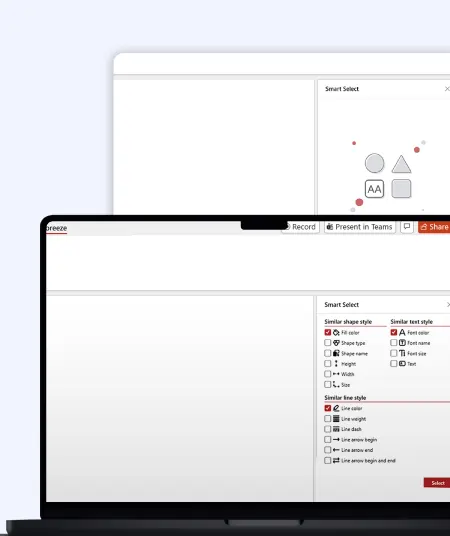
Slide Breeze PowerPoint Add-in for Smart Presentation Automation

Slide Breeze PowerPoint Add-in for Smart Presentation Automation

This PowerPoint add-in automates slide formatting, transitions, and animations, improving workflow efficiency and presentation consistency.

Impacts Achieved

80%
Less Manual Effort
70%
Faster Editing
90%
Better Consistency
  View Case Study  
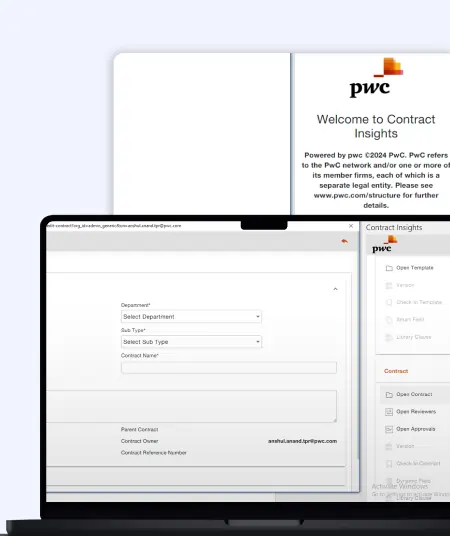
PWC Contract Management Word Add-in for Legal Workflow Automation

PWC Contract Management Word Add-in for Legal Workflow Automation

This Word add-in automates legal contract customization, reduces errors, and improves accuracy for streamlined document preparation.

Impacts Achieved

80%
Faster Processes
70%
Bost Efficiency
85%
Better Visibility
  View Case Study  
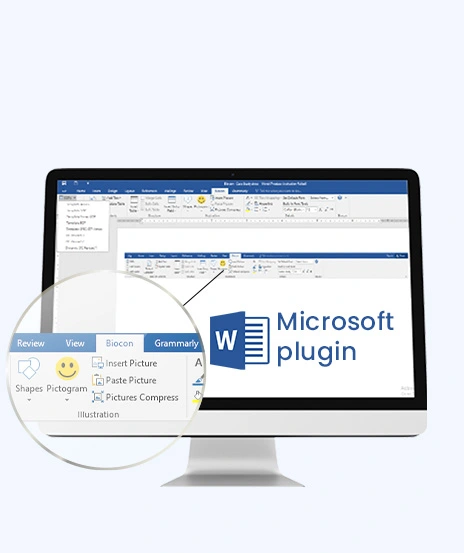
Simplifying Structured Documentation with Custom Word Add-in

Simplifying Structured Documentation with Custom Word Add-in

This solution focuses on document automation. It reduces manual work, ensures consistency, and saves time.

Impacts Achieved

70%
Faster Creation
3x
Improved Efficacy
100%
Compliance
  View Case Study  
 
Blog Our insights
AI in Legal Practice: Powerful Use Cases Every Lawyer Should Know

10 September 2026

Kapil Panchal

AI in Legal Practice: Powerful Use Cases Every Lawyer Should Know

Quick Summary Lawyers use AI to research faster, draft/review contracts, review large documents, track compliance, and automate legal workflows. However, they must verify...


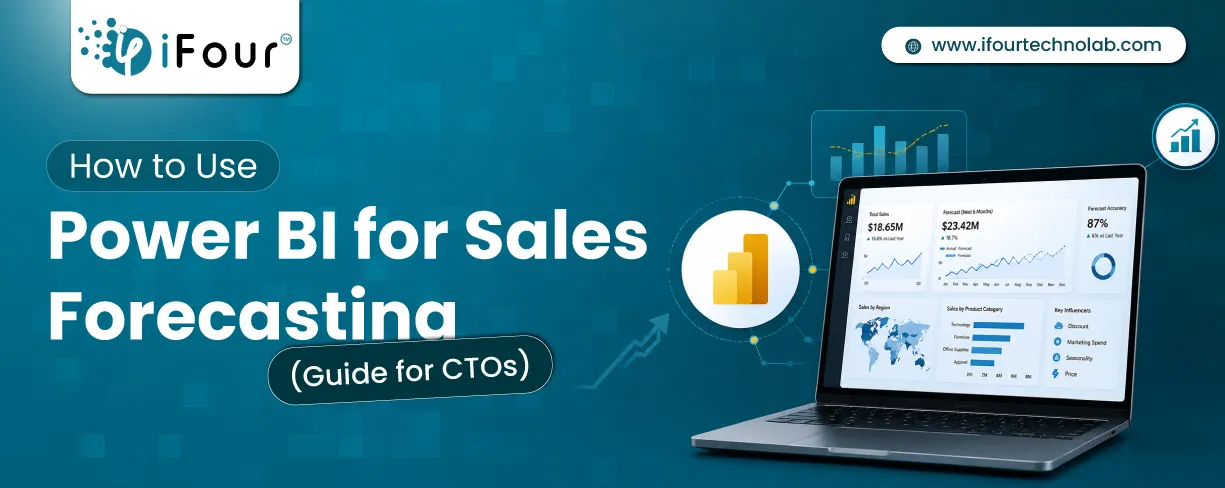
How to Use Power BI for Sales Forecasting (Guide for CTOs)

06 August 2026

Kapil Panchal

How to Use Power BI for Sales Forecasting (Guide for CTOs)

Sales Forecasting isn't optional anymore. Whether you are a startup or a mid-level enterprise, every decision you make today depends on how well you predict the future. Instead...
AI in Power BI - Top Use cases and Best Practices

03 August 2026

Kapil Panchal

AI in Power BI - Top Use cases and Best Practices

Quick Summary: Power BI uses AI to automatically point out patterns, identify anomalies, and create forecasts, providing analysts and executives with the insights necessary...

Full Project Display
1 / 4