





























































AI in Legal Practice: Powerful Use Cases Every Lawyer Should Know
Quick Summary Lawyers use AI to research faster, draft/review contracts, review large documents, track compliance, and automate legal workflows. However, they must verify...


601 & 612, The Times square Arcade, Near Baghban party plot, Thaltej - Shilaj Road, Thaltej, Ahmedabad, Gujarat - 380059
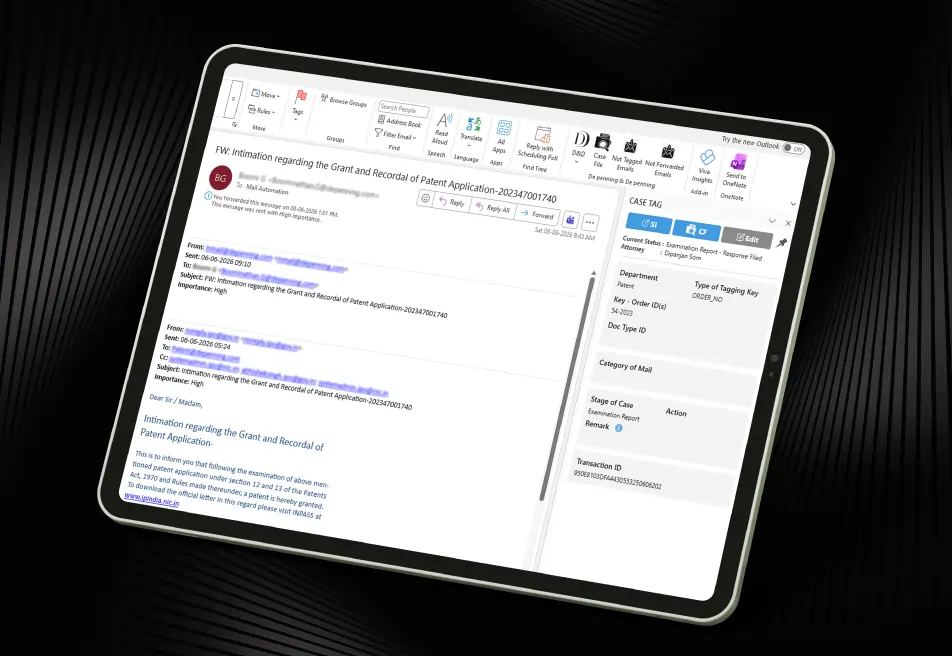
De Penning & De Penning handles a large number of legal client emails, reports, invoices, and legal documents. As the business grew, managing these communications manually became difficult. Employees spent valuable time tagging emails, validating communication records, and tracking documents, which slowed down daily operations and increased the risk of errors.
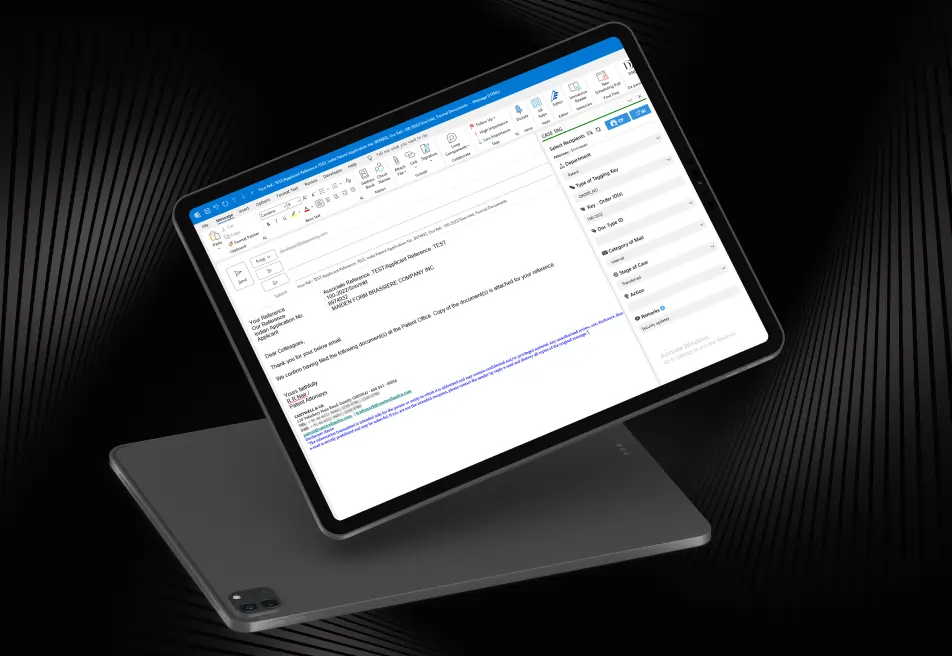
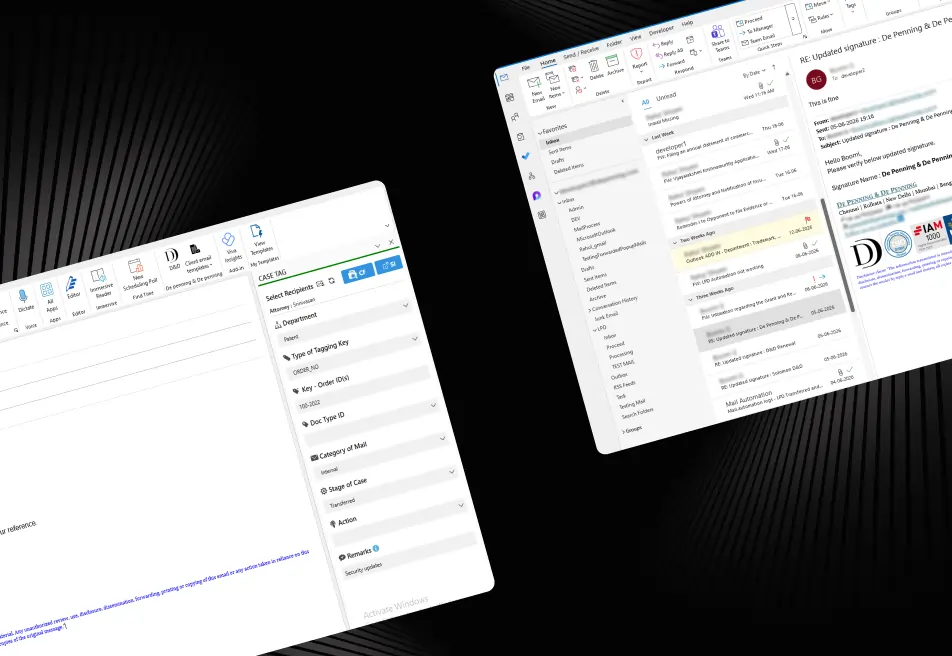
The company needed an Outlook add-in development solution to automate repetitive tasks and improve communication accuracy and workflow efficiency. By understanding the client's requirements, iFour developed a custom Outlook add-in for automated email tagging. The solution automated email categorization, simplified document workflows, and improved communication tracking.
Impacts Observed:
Faster Processing
Less Email Tagging
Boost Accuracy
Real-time Tracking
Better Workflow
De Penning & De Penning is a well-established intellectual property and legal consulting firm in India. The company provides patent, trademarks, copyright, and legal advisory services while managing a large number of client communications every day.
Industry: Legal Services
Country: India
Why They Came to Us:
As email volumes increased, managing email tagging, invoices, and client communications manually became difficult and time-consuming. The organization needed a reliable Outlook add-in development solution that could resolve the following challenges:


See how we've transformed businesses with custom software solutions
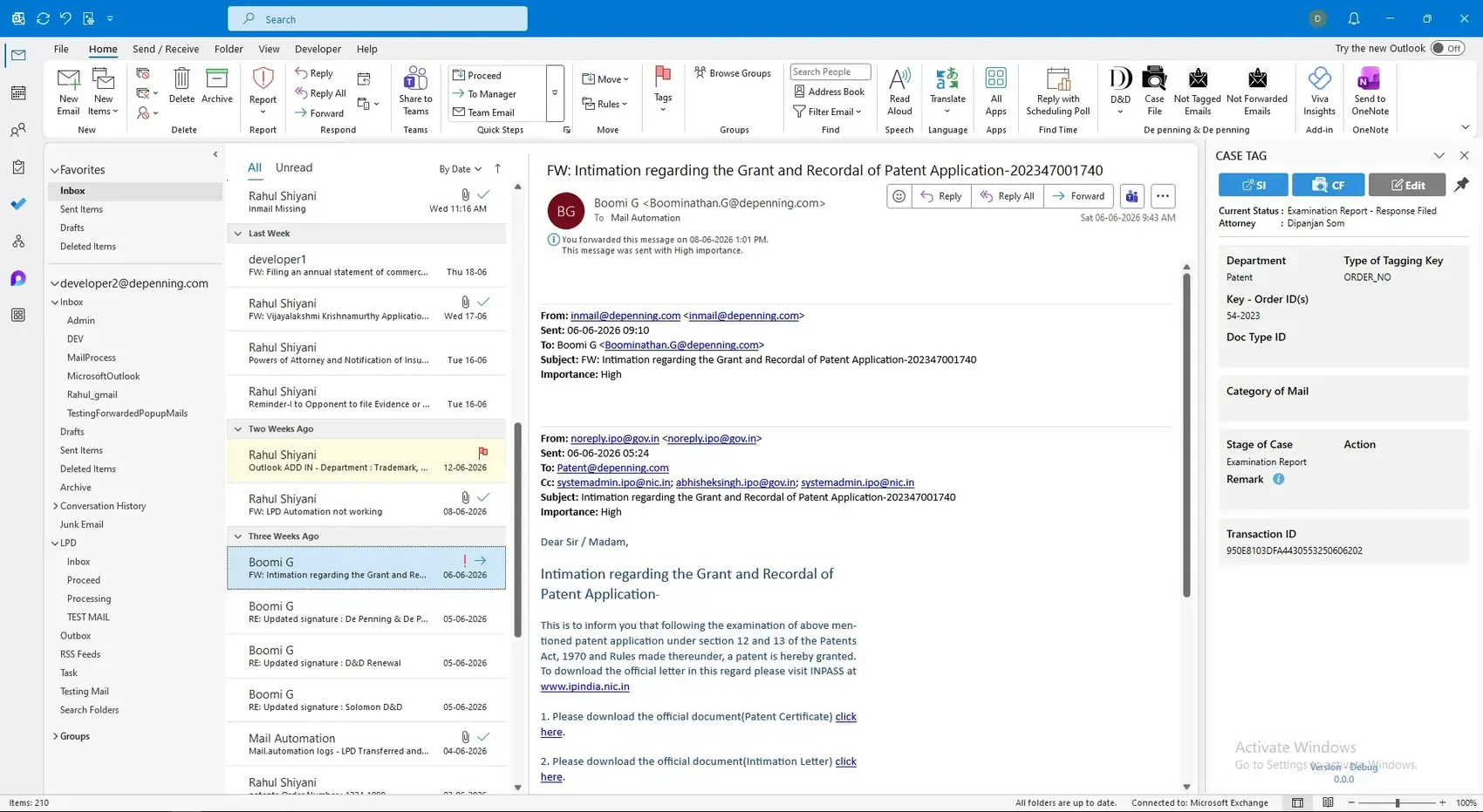
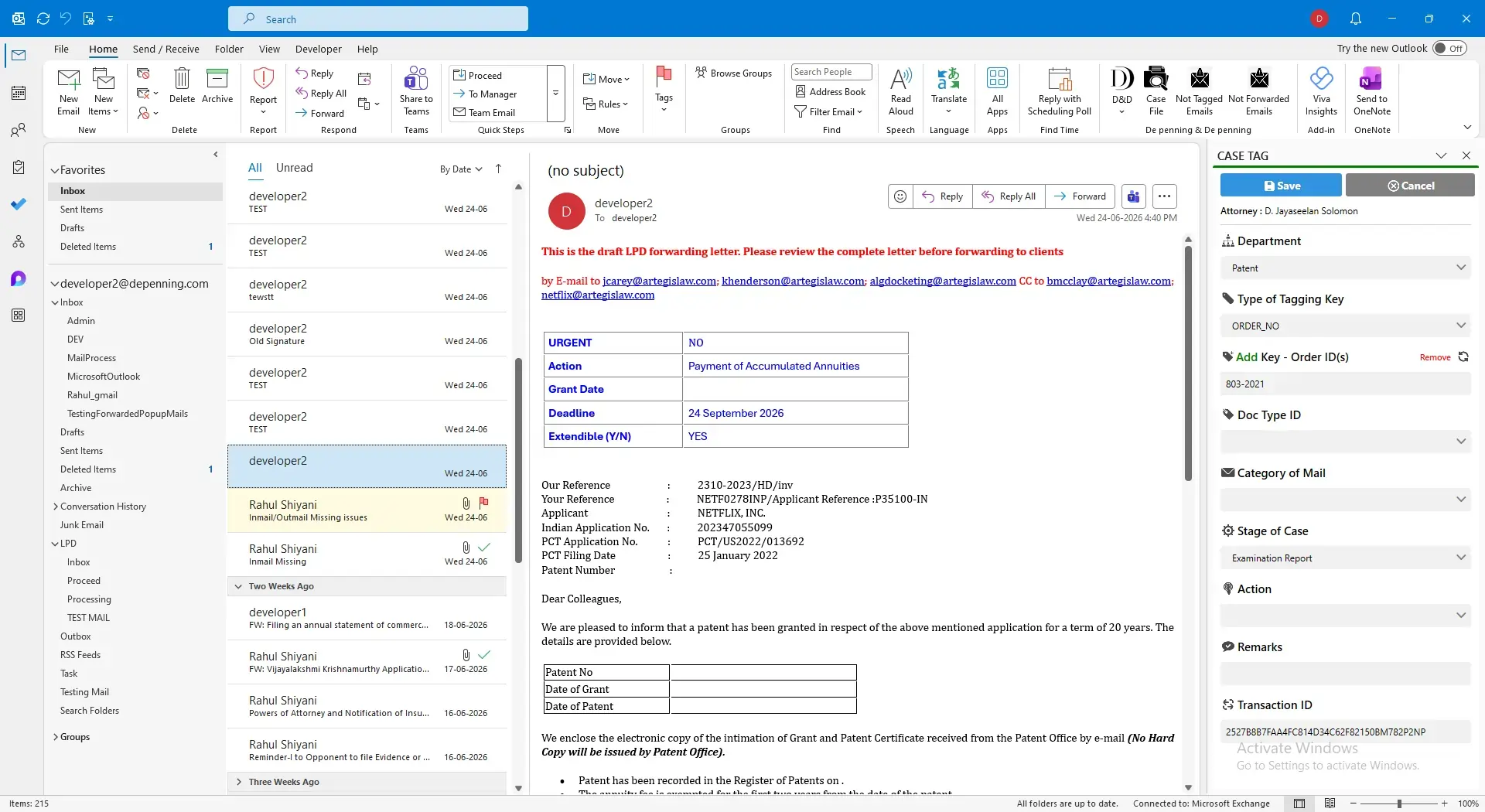
Before implementing the Outlook add-in for the email Automation solution, the organization faced several operational challenges that slowed down daily operations and reduced productivity.
Manual email tagging increased processing time.
Difficulty matching internal emails with external communications.
Manual document tracking created unnecessary delays.
Limited visibility into communication history.
Repetitive email-related activities reduced employee productivity.
Lack of automation affected overall workflow efficiency.
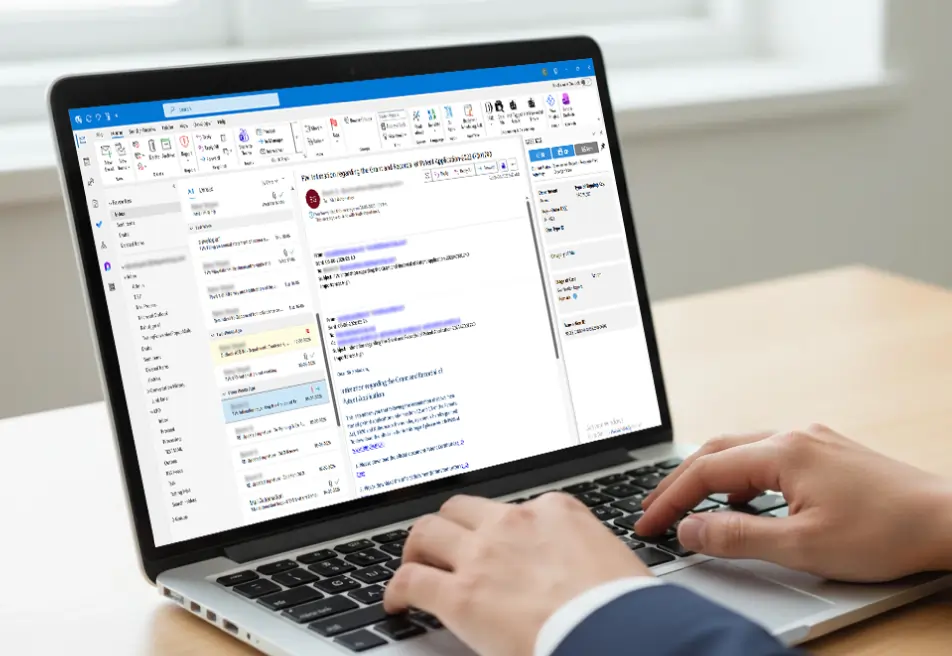
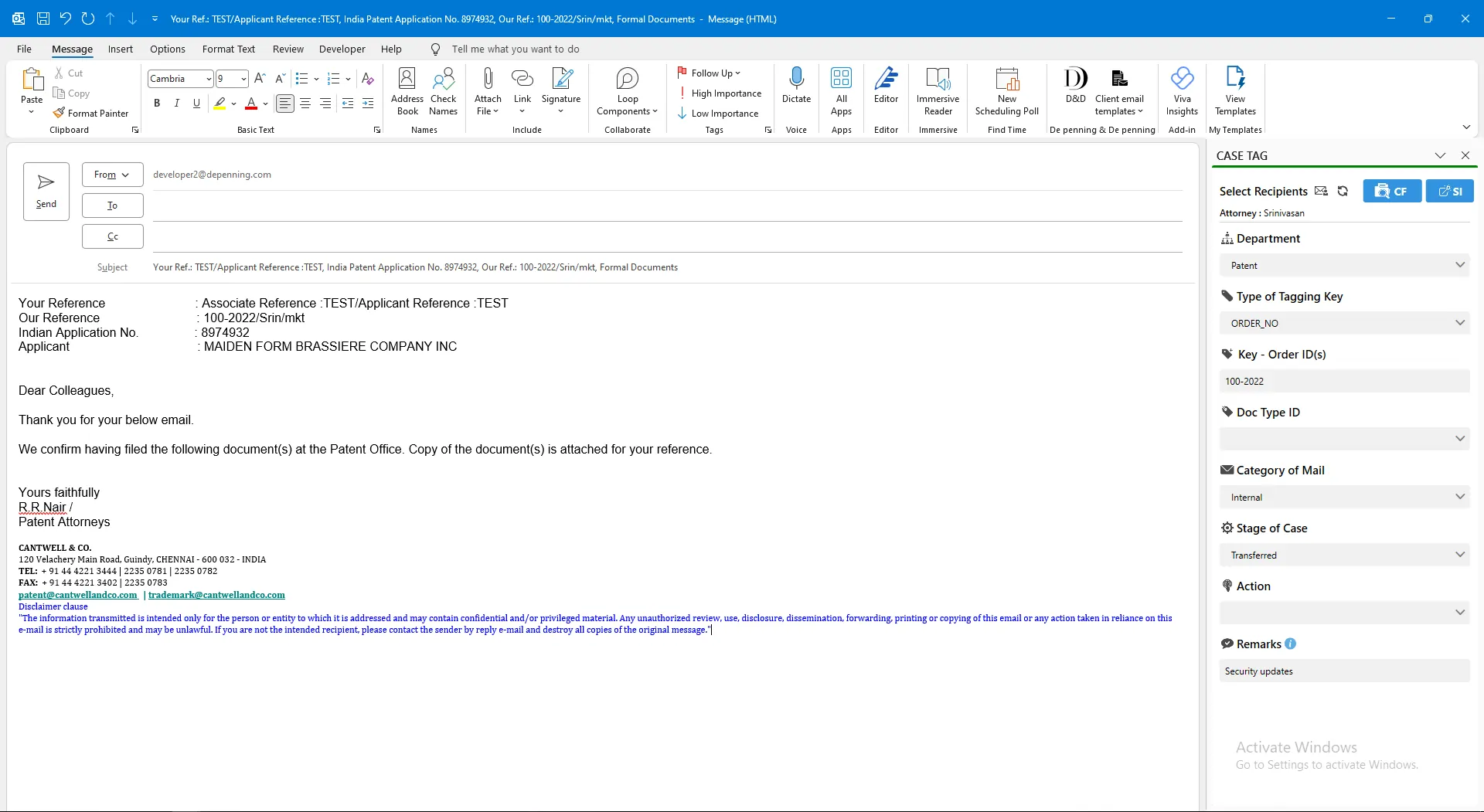
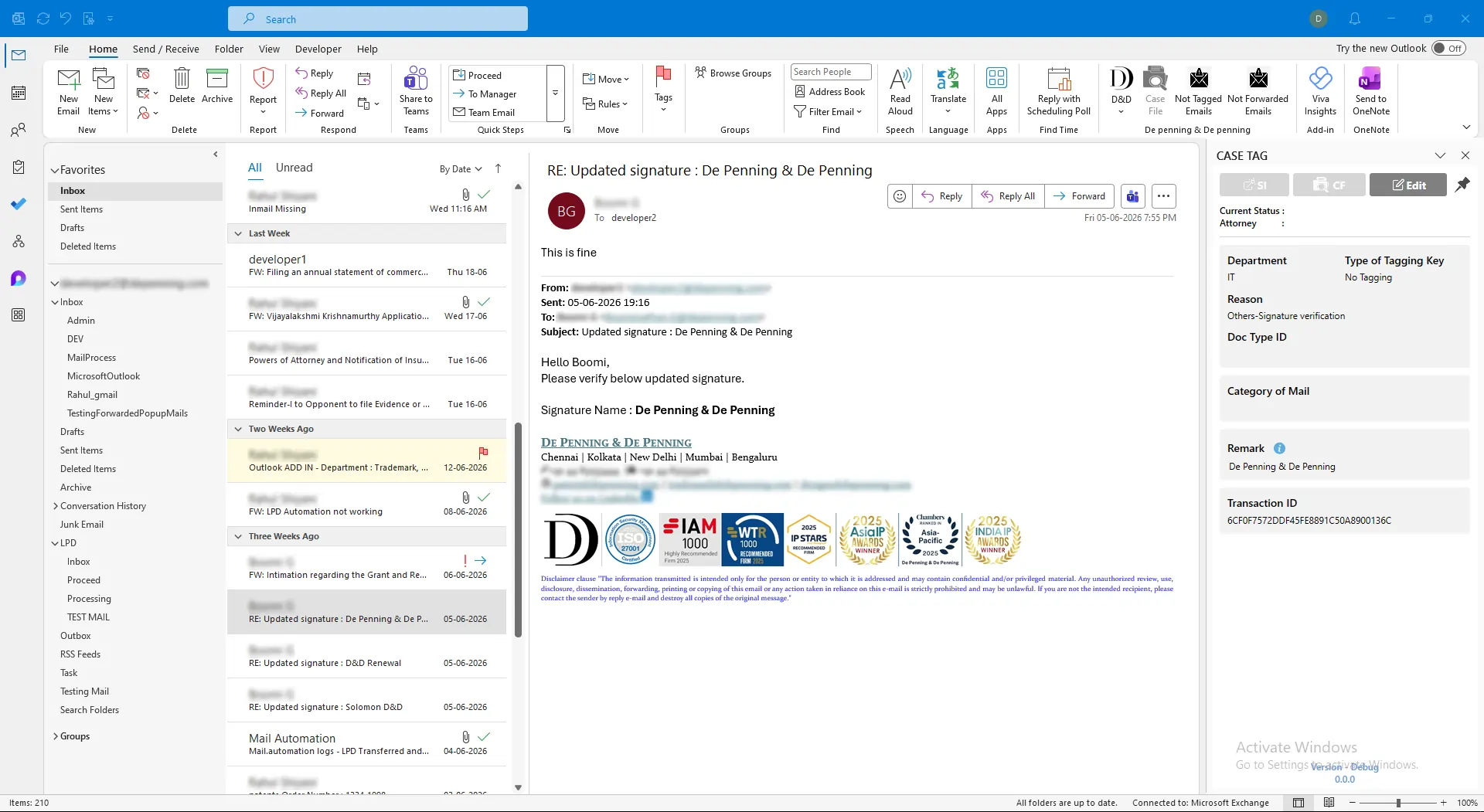
iFour developed a custom Outlook Add-in Development solution that automated communication tracking and simplified email management.
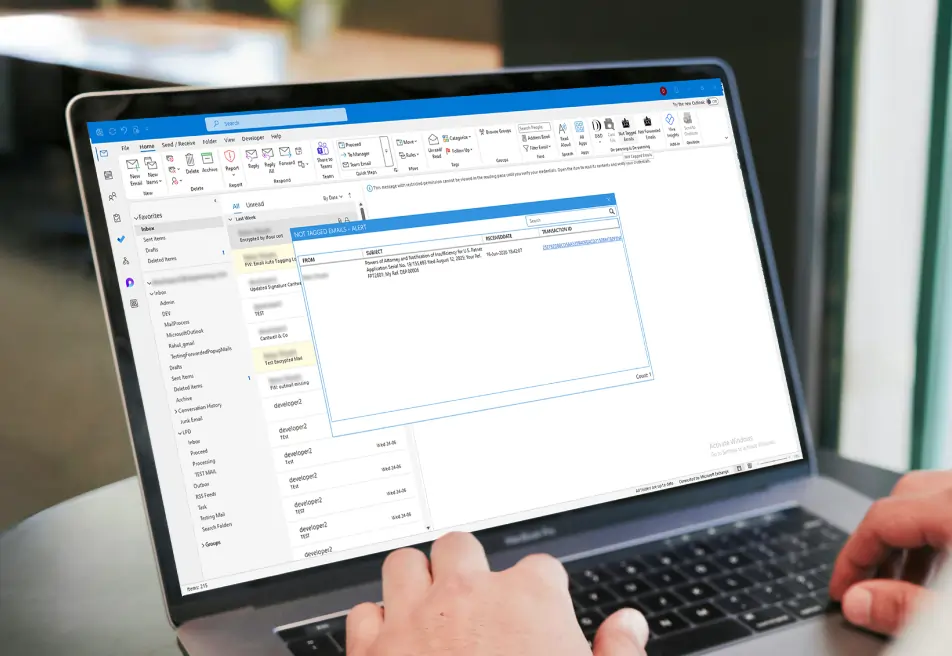
Automated Email Tagging
The solution automatically categorizes incoming and outgoing emails based on predefined business rules.
Benefits
Email Validation
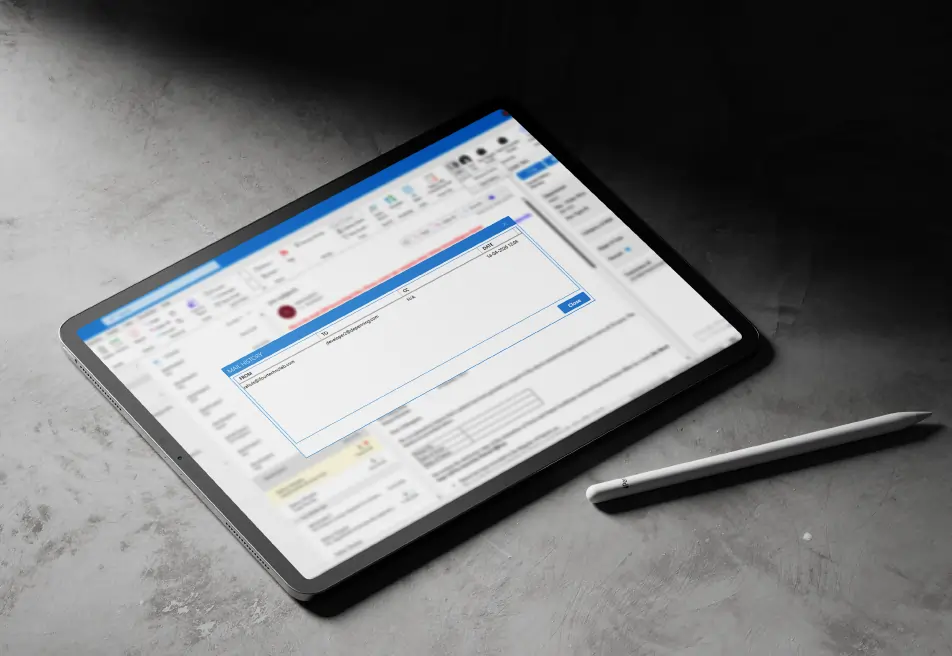
The Outlook add-in validates internal and external email records before processing communications.
Benefits
Report & Invoice Management
The add-in simplifies report and invoice processing by automatically managing related email communications.
Benefits
Client Upload Workflow
The solution automatically manages document uploads while ensuring communication records remain accurate.
Benefits
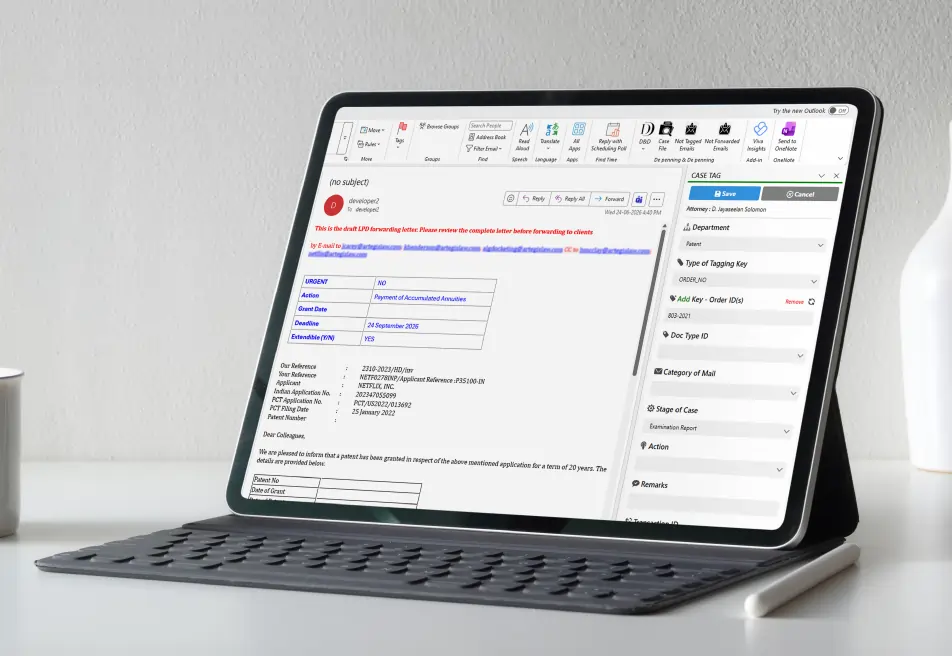
Employees can easily manage document downloads while maintaining a complete communication history.
Benefits
(Technology Stack & Architecture)
The custom Outlook Add-in Development solution helped De Penning & De Penning improve communication management and automate repetitive business processes.

Managing large volumes of emails, reports, and business documents manually slowed down daily operations and increase administrative effort.
To address these challenges, iFour developed a custom Outlook Add-in Development solution that automated email tagging, document workflows, and communication validation.
By combining automated email tagging, email workflow automation, and document workflow automation, the solution reduced manual work, improved communication accuracy, and streamlined business processes.
As a result, De Penning & De Penning now benefits from a faster, more organized, and scalable email management system that supports long-term business growth.


We encourage you to contact us with any questions or comments you may have.

Take a look at our latest projects, where digital transformation comes to life.






Quick Summary Lawyers use AI to research faster, draft/review contracts, review large documents, track compliance, and automate legal workflows. However, they must verify...
Sales Forecasting isn't optional anymore. Whether you are a startup or a mid-level enterprise, every decision you make today depends on how well you predict the future. Instead...
Quick Summary: Power BI uses AI to automatically point out patterns, identify anomalies, and create forecasts, providing analysts and executives with the insights necessary...