





























































AI in Legal Practice: Powerful Use Cases Every Lawyer Should Know
Quick Summary Lawyers use AI to research faster, draft/review contracts, review large documents, track compliance, and automate legal workflows. However, they must verify...


601 & 612, The Times square Arcade, Near Baghban party plot, Thaltej - Shilaj Road, Thaltej, Ahmedabad, Gujarat - 380059
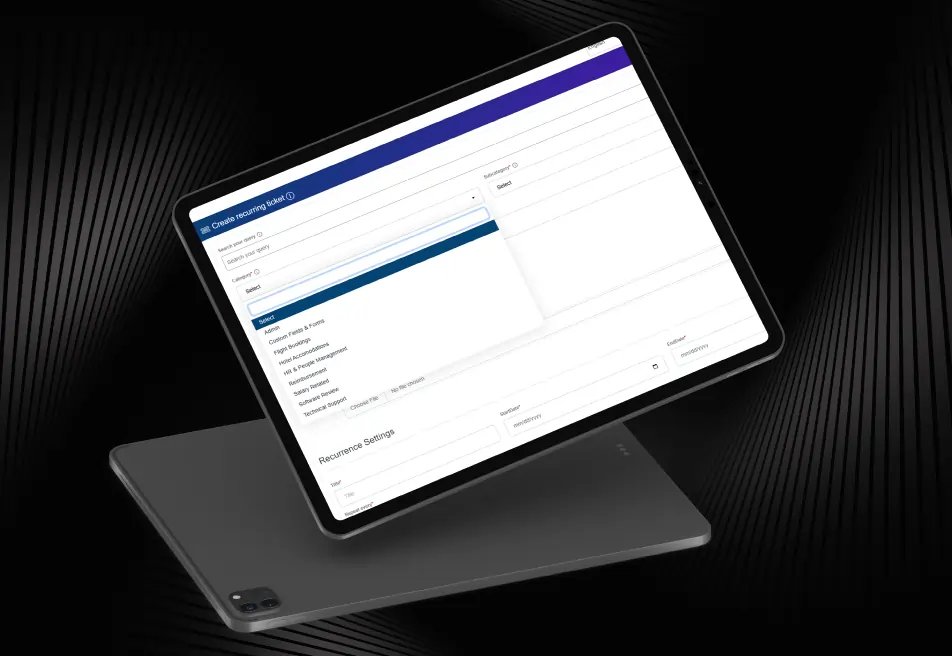
Managing support tickets through a separate website was time-consuming for users. They had to remember the ticketing portal link, log in every time through a browser, and switch between Outlook and the ticketing system whenever they wanted to create or manage a ticket. This process slowed down work and affected productivity.
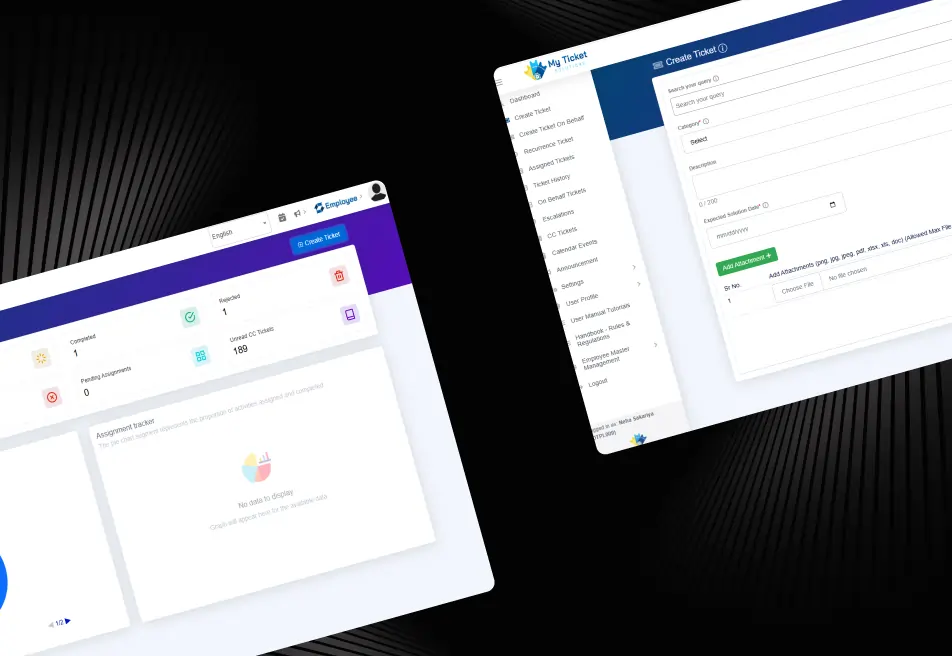
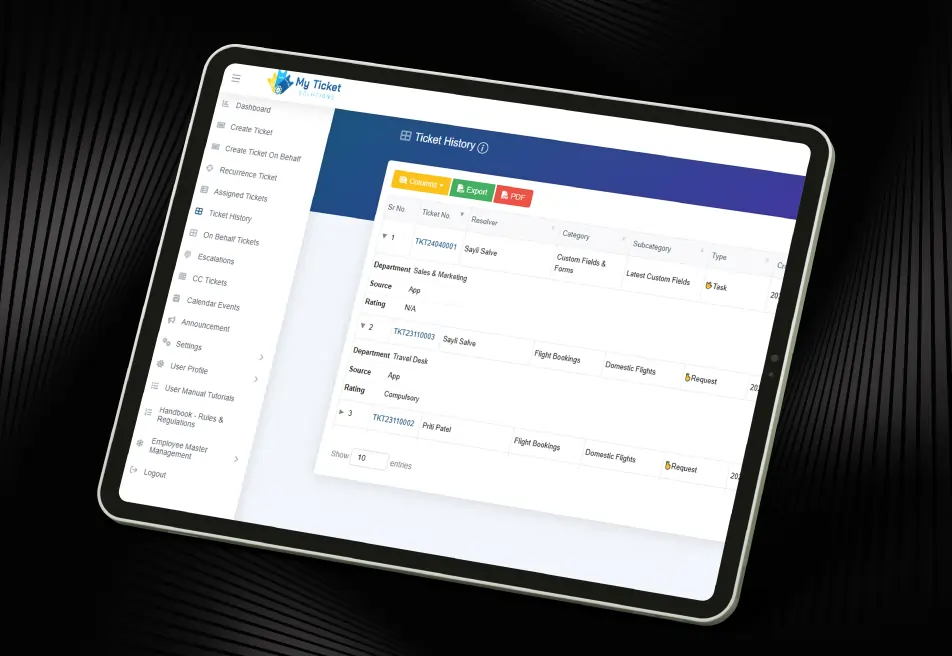
To solve these challenges, iFour developed a smart Outlook Add-in for ticket resolution for Dahlia Technologies Private. The custom Outlook Add-in allowed users to access the ticketing system directly from Microsoft Outlook using their existing login details. Users could create and manage tickets more easily without logging in repeatedly, making the support process faster and more efficient.
Impacts Observed:


Faster Ticketing
Fewer Logins
Boost Workflow
Faster Reporting
Better Accessibility
Dahlia Technologies is leaving a company that offers a helpdesk and ticket management platform designed to simplify support requests. The platform helps employees and vendors efficiently report issues, manage support tickets, and smooth service operations through a centralized support ticket system.
Industry: Helpdesk & Ticket Management Software
Country: Singapore
Why They Came to Us:
The client wanted a reliable custom Outlook Add-in for a ticketing system that could smoothly integrate with their existing ticket management platform and simplify the ticket creation process for users. The client was looking to solve challenges such as:


See how we've transformed businesses with custom software solutions
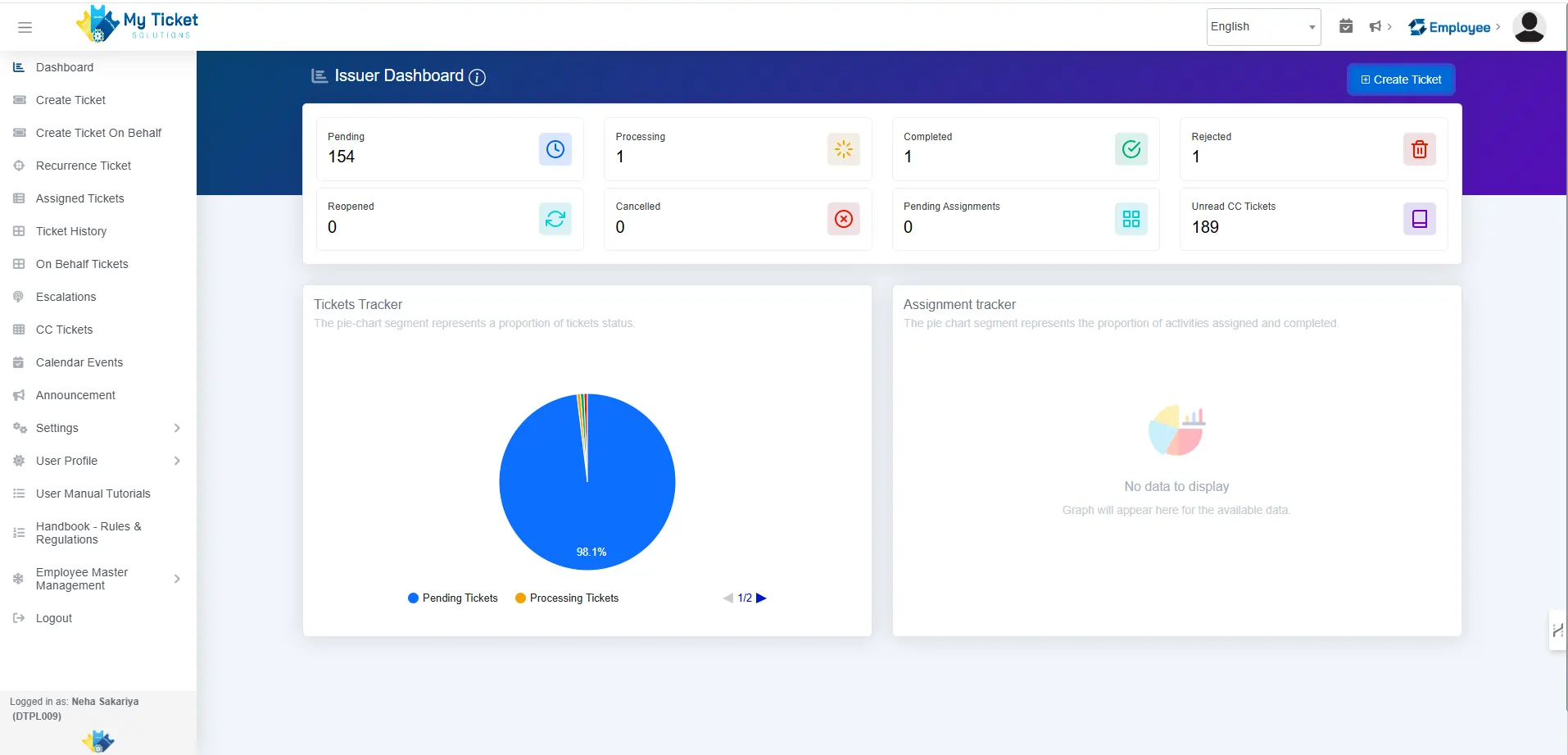
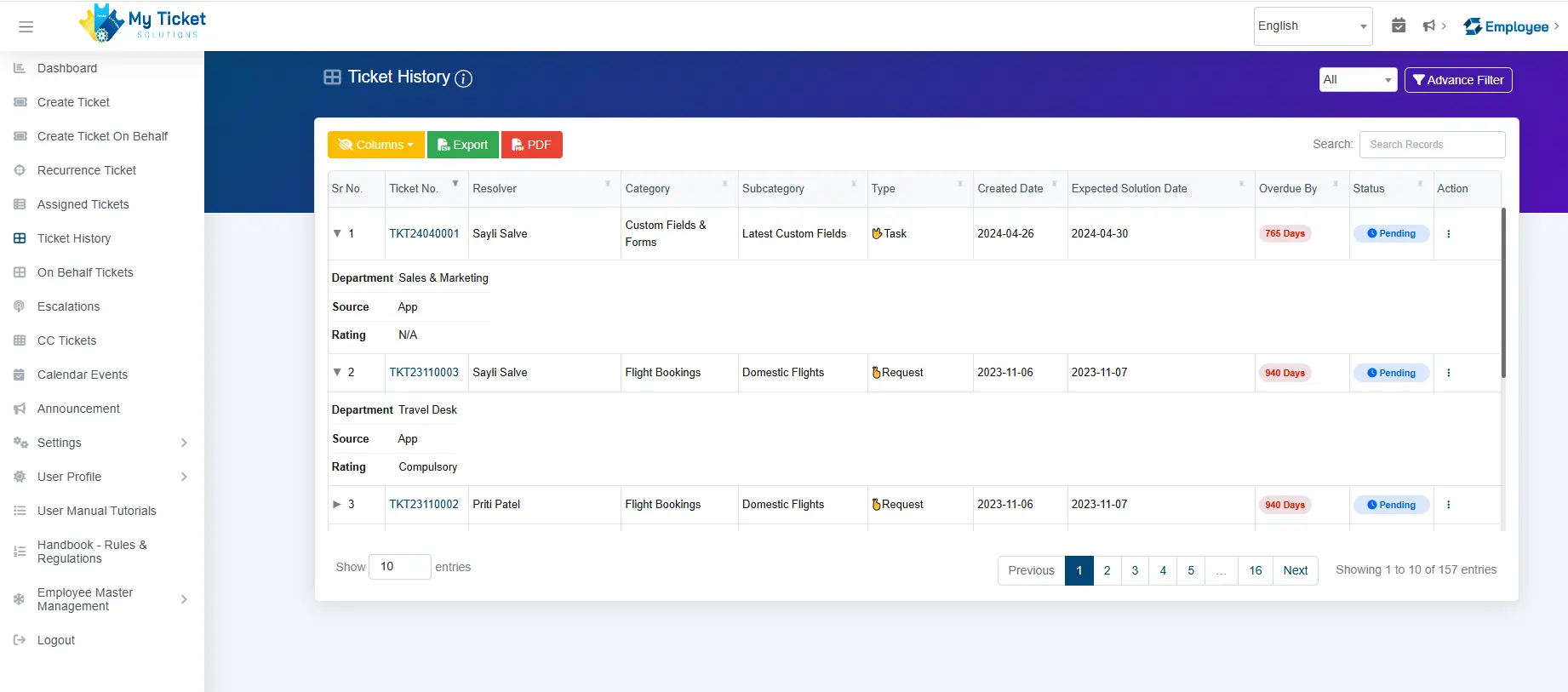
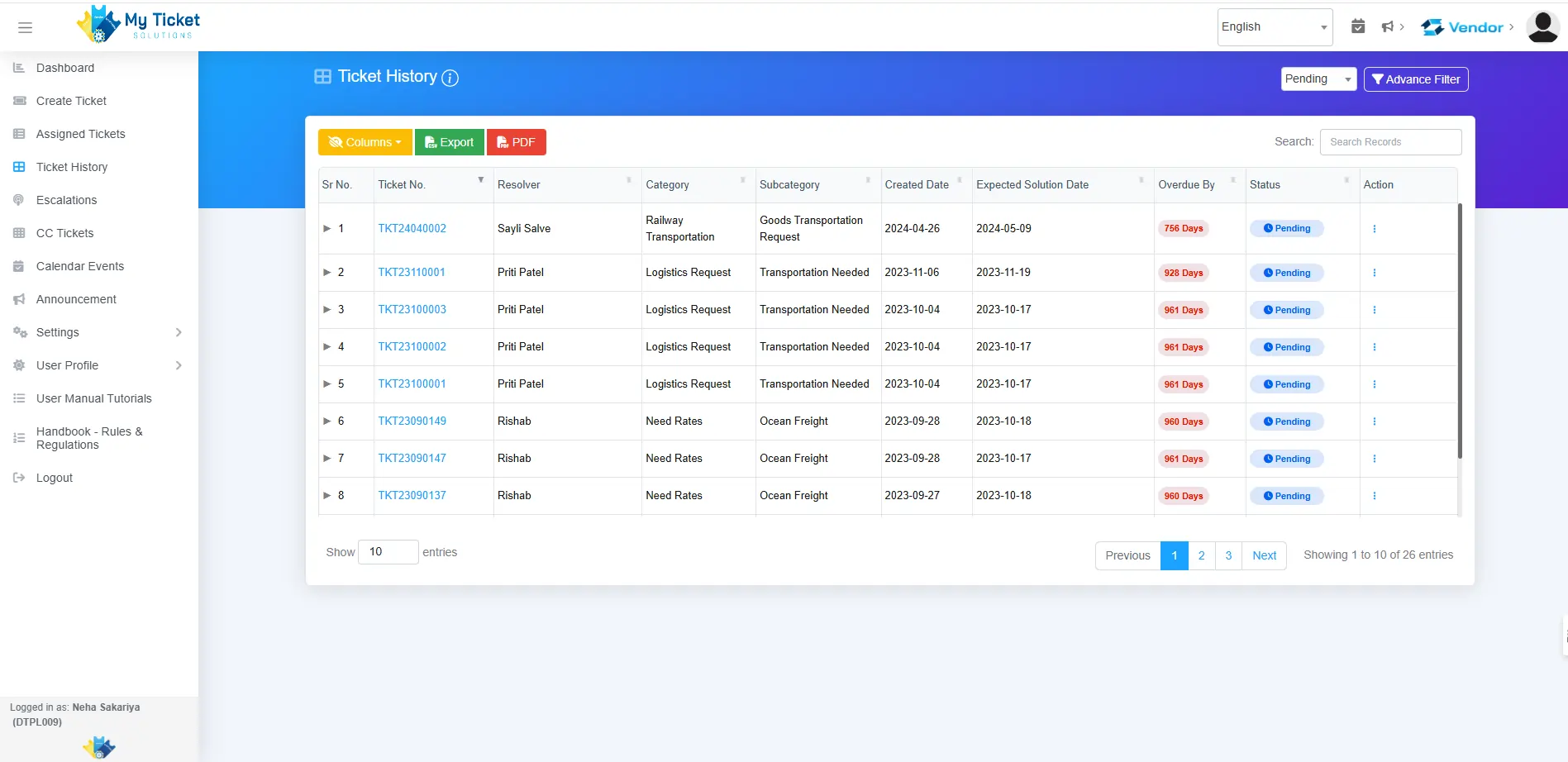
Before implementing the Add-in for Support Ticket Resolution, the company struggled to manage the email environment and access external ticketing portals while creating a support request. This process created unnecessary delays and reduced operational efficiency, which negatively impacted company growth, as listed below:
Users needed to remember ticket management website URLs.
Repeated browser logins slowed daily operations.
Ticket creation required switching between multiple systems.
Support request management involved unnecessary manual steps.
Employees experienced interruptions while handling emails.
Uploading supporting documents was less efficient.
Managing different ticket categories required additional navigation.
User experience was affected by fragmented workflows.
The client requires a scalable Outlook ticketing system integration to simplify access to the platform and improve support request handling directly within Outlook.
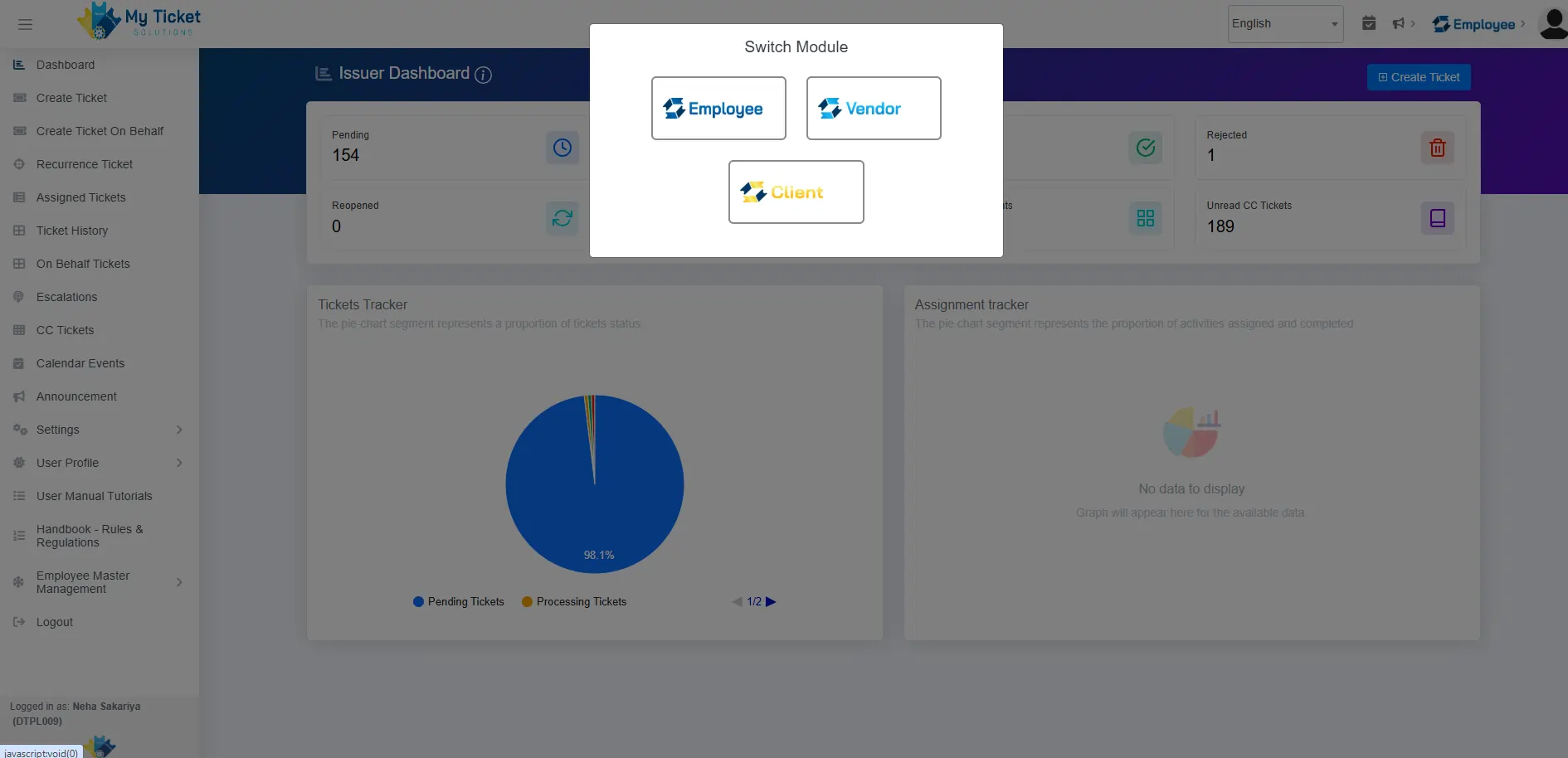
iFour developed an Outlook Add-in for Smart Ticket Management that smoothly integrated with the My Ticket Solutions platform. The solution allowed users
to access ticketing services directly within Microsoft Outlook without repeatedly logging into browser-based applications.
Secure Authentication Process
Smart Ticket Creation
Dynamic Customization Fields
Intelligent Search Functionality
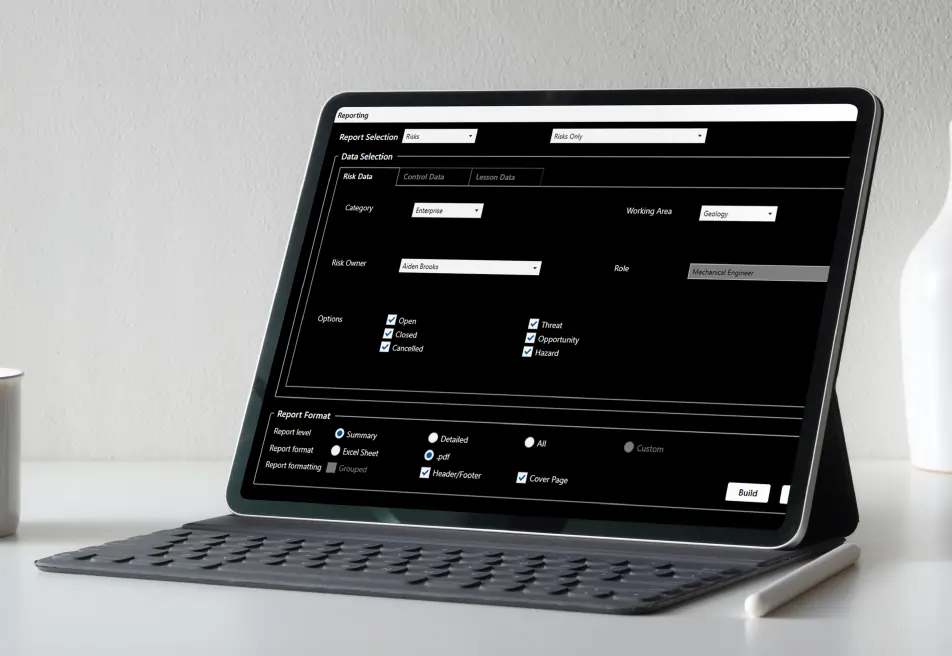
(Technology Stack & Architecture)
The custom Outlook productivity add-in development solution helped Dahlia Technologies improve support operations and simplify ticket management workflows.
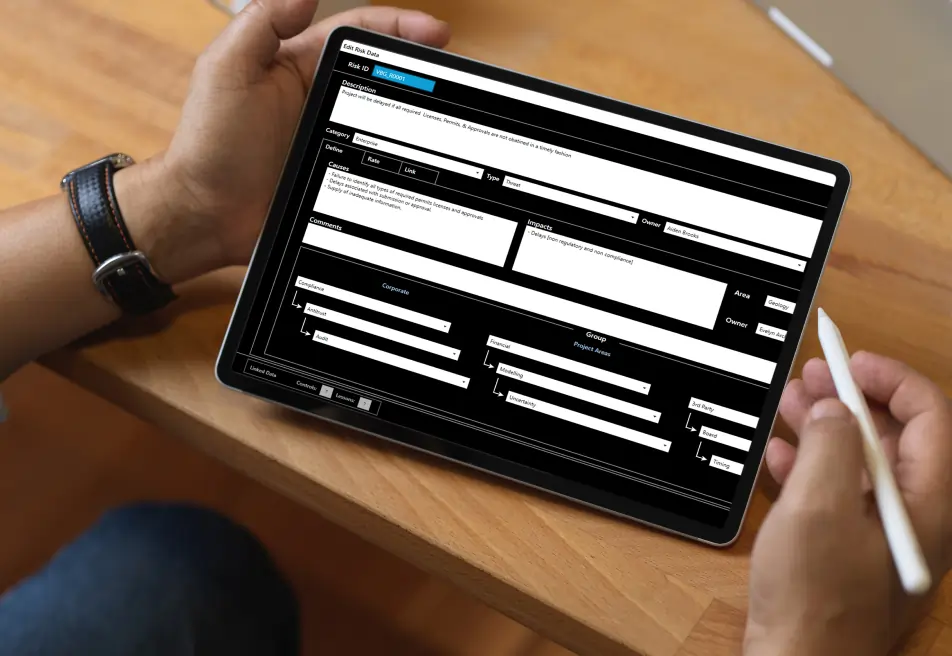
iFour Technolab developed a powerful Business Workflow Automation Outlook Add-in that helped Dahlia Technologies simplify ticket creation and improve support management processes.
By combining secure authentication, intelligent ticket creation, dynamic field management, document uploads, and seamless Outlook integration, the solution created a faster and more efficient support experience for both employees and vendors.
The project demonstrates how a well-designed Enterprise Outlook Add-in solution can improve productivity, reduce manual effort, and streamline business operations.


We encourage you to contact us with any questions or comments you may have.

Take a look at our latest projects, where digital transformation comes to life.

Quick Summary Lawyers use AI to research faster, draft/review contracts, review large documents, track compliance, and automate legal workflows. However, they must verify...

Sales Forecasting isn't optional anymore. Whether you are a startup or a mid-level enterprise, every decision you make today depends on how well you predict the future. Instead...

Quick Summary: Power BI uses AI to automatically point out patterns, identify anomalies, and create forecasts, providing analysts and executives with the insights necessary...