×

iFour Logo

Quick Summary

A well-known global presentation consulting firm had a huge collection of high-quality PowerPoint templates and design assets.

But they faced a major challenge in organizing, accessing, and monetizing them efficiently.

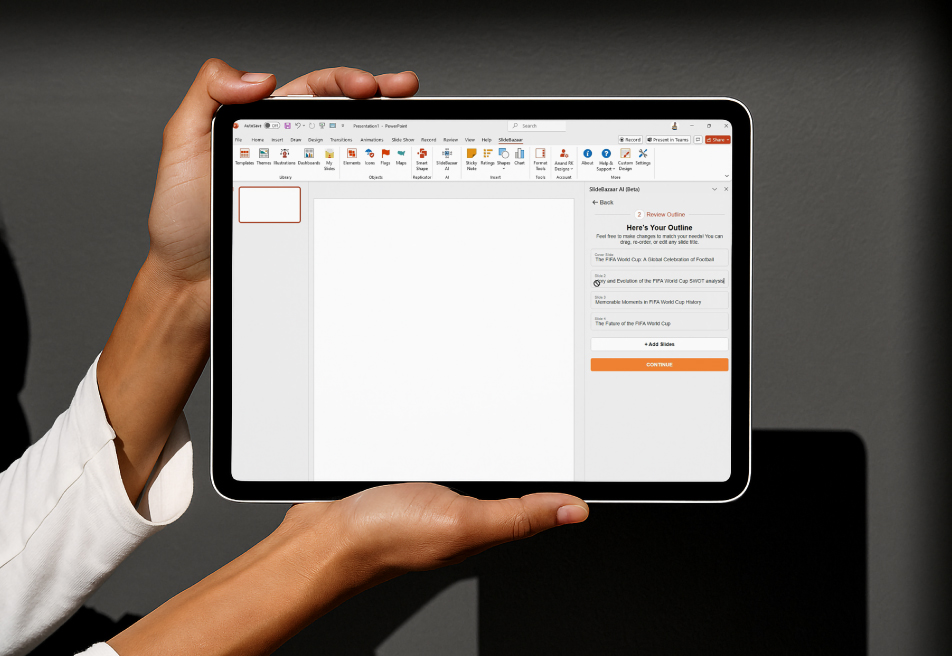
iFour stepped in and built an AI-powered PowerPoint Add-in, that helps users create stunning presentations in minutes using its intelligent design suggestions.

This Office Add-in helped them save considerable time and unlocked the full value of their presentation assets.

Impacts Observed:

90%

faster creation

25%

higher productivity

160%

up in monetization

70%

more engagement

90%

design consistency

About Customer

Our client is a global consulting firm providing professional PowerPoint templates and design assets to business leaders, educators, and marketing teams.

Industry: Presentation Design and Consulting

Geography: Global

Initial Approach & Where It Failed: As the library grew, managing and monetizing assets became inefficient and complex

Why They Came to Us: They needed an AI-powered solution to streamline asset access, speed up presentation creation, and improve monetization.

Client overview
call to action

Extend Your MS Office functionality with our VSTO Add-in development services.

Client Success Stories

See how we've transformed businesses with custom software solutions

Challenge

Despite owning an amazing set of design templates, the client faced growing operational hurdles. Some of them include:

1

Time-consuming presentation creation processes

2

Lack of visual consistency across decks

3

Difficulty centralizing and distributing premium design assets

4

Manual formatting tasks slowing down productivity

5

Dependency on design teams for minor updates

They needed a scalable way to make their design assets instantly usable while improving speed and uniformity across global users.

Solution

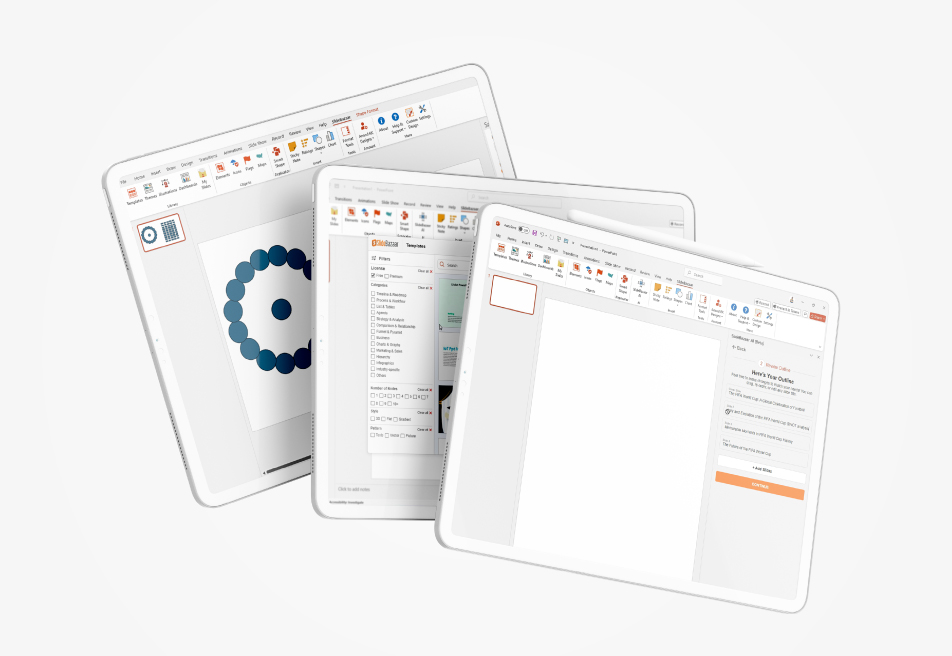
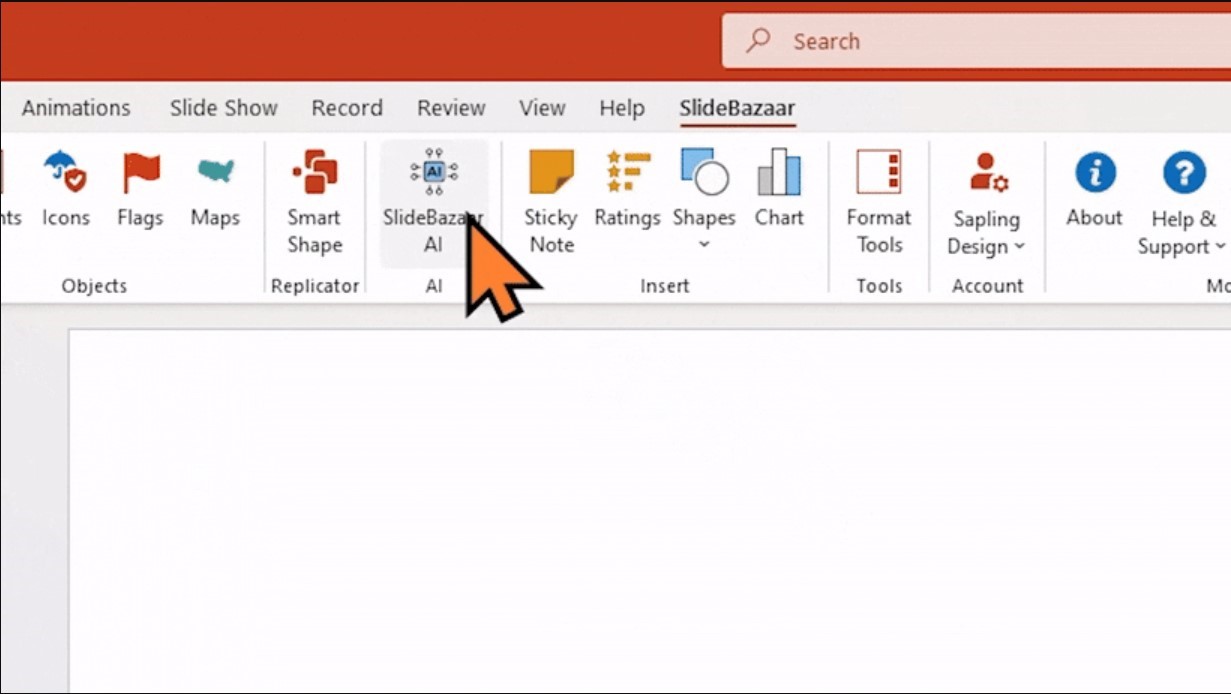
iFour Technolab built an AI-enabled PowerPoint Add-in
- a smart, user-friendly extension that automates presentation creation, design, and formatting.

AI Powered PowerPoint Add-in 08

AI-Powered Presentation Generation


  • Creates complete presentations from natural language prompts
  • Automatically generates slides, visuals, and infographics
  • Delivers perfectly themed, ready-to-present designs instantly

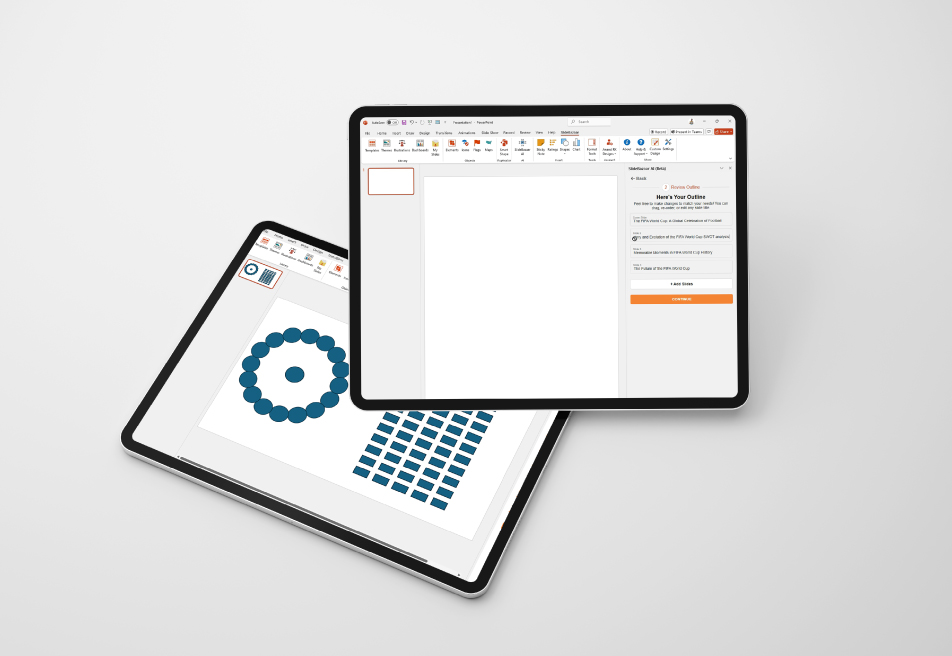
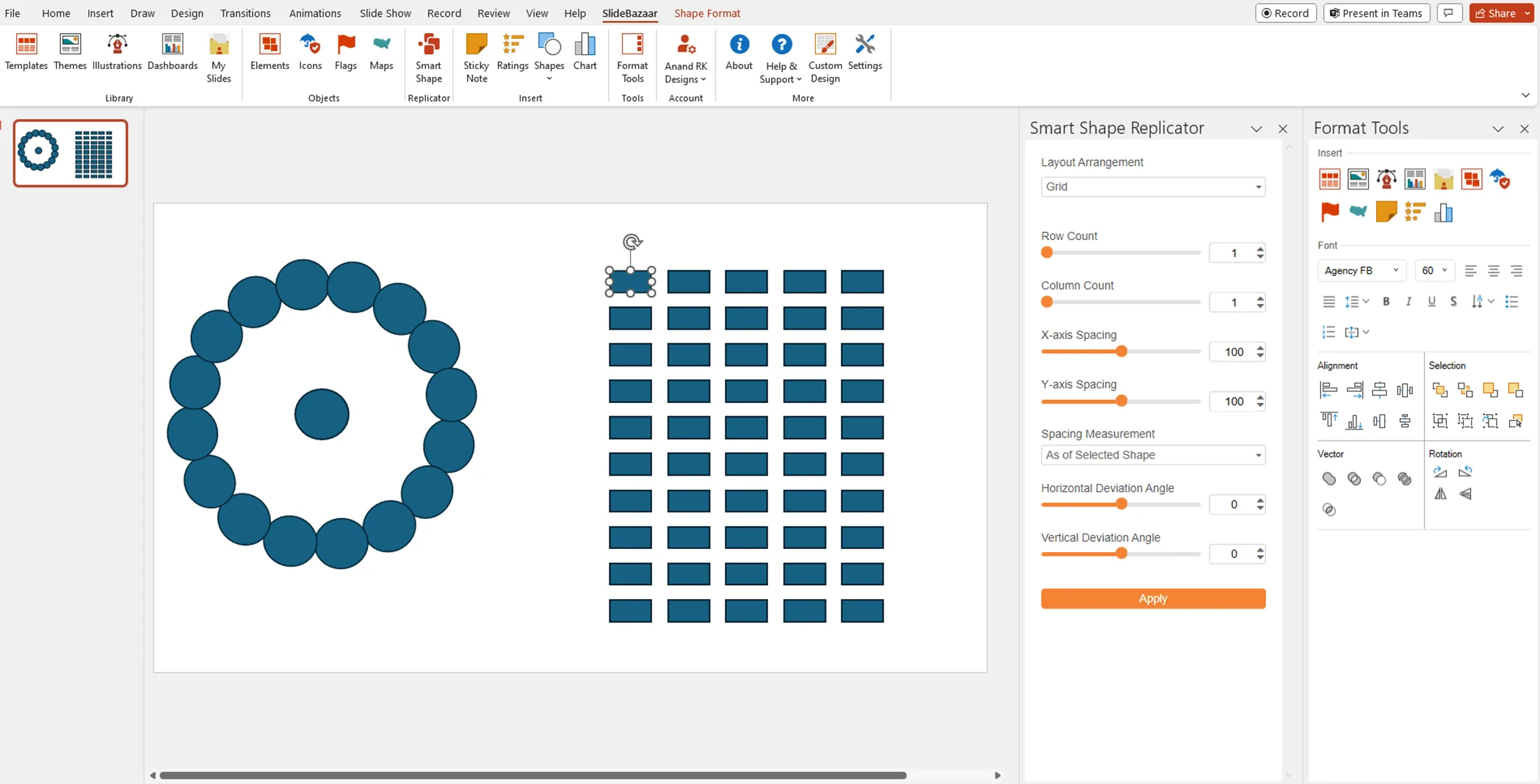
Custom Shapes and Objects


  • Shape Replicator tool to generate unique design elements
  • Supports linear, circular, vertical, and grid layouts
  • Allows dynamic resizing and cloning across slides

Comprehensive Formatting Tools


  • Centralized panel for text, color, and alignment controls
  • One-click formatting to reduce repetitive design work
  • Keeps users focused on content—not menus

Premium Resources & Easy Sharing


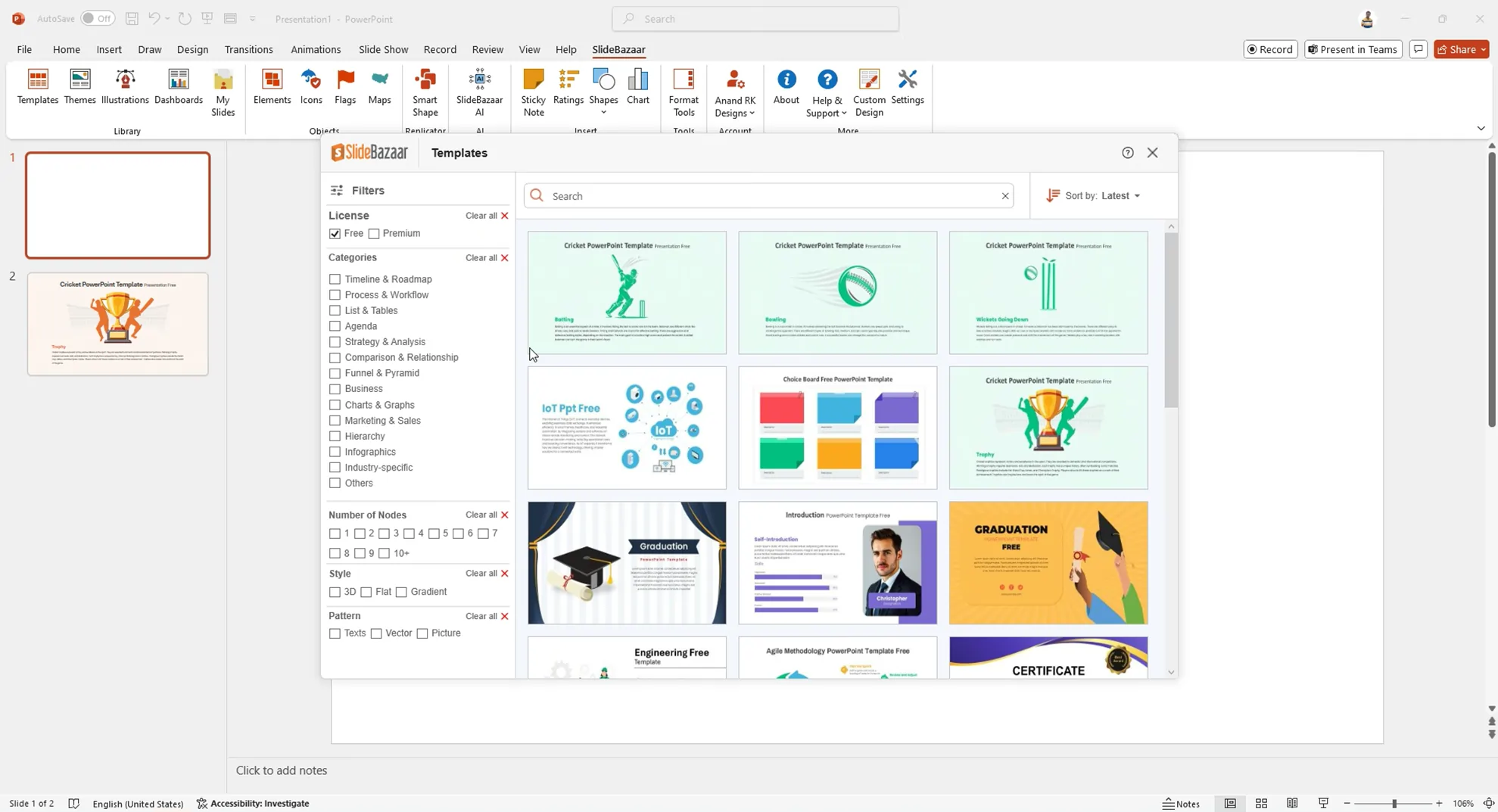
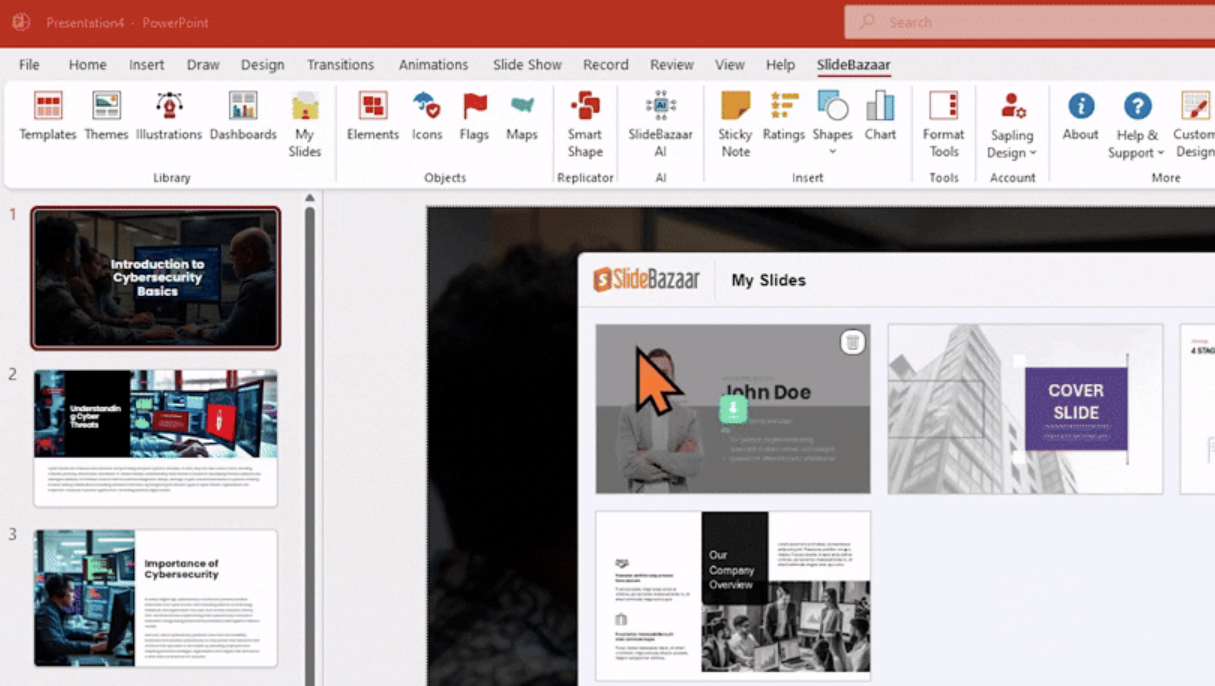
  • Access to a vast library of templates, shapes, and images
  • Seamless import/export and team collaboration features
AI Powered PowerPoint Add-in 09
Starter: Ideal for occasional users
Basic: Ideal for occasional users
Standard: Ideal for occasional users
Pro Unlimited: Ideal for occasional users
Team Unlimited:: Ideal for occasional users
Licensing and Subscription Model

To commercialize the Add-in, iFour developed a freemium licensing model with flexible subscription tiers:

call to action

Hire Office Add-in developers from us to build custom PPT Add-ins.

The solution

The solution was built with enterprise-grade safeguards, ensuring secure and compliant operations:
  1. End-to-end encryption
  2. Role-Based Access Control (RBAC)
  3. Azure-based infrastructure
  4. GDPR compliance
  5. Scalable cloud architecture for global deployment
How We Built It

(Technology Stack & Architecture)

Frontend: Office PowerPoint Add-ins (VSTO Framework)
Backend : .NET Core with Azure Cloud Services
AI Layer: Azure OpenAI for content generation
Architecture: Cloud-native design supporting seamless updates, licensing, and template management

Results That Mattered

The AI-based Add-in revolutionized how professionals build presentations:

  • 90% faster slide creation (in 2 Mins)
  • 35% growth in paid subscriptions
  • 50% higher team productivity
  • 25+ countries reached globally
  • Consistent design across all presentations
With just a few clicks, users could turn ideas into polished presentations - redefining efficiency and creativity in business storytelling.
Key outcomes
“The AI Add-in completely transformed our design workflow. What once took hours now takes
minutes—and our clients love the consistency and speed. It’s been a game-changer for our global operations.” — Head of Product Innovation, Presentation Design Company

Our custom PowerPoint Add-in transformed the way of creating presentations. From manual to automated. From scattered assets to smart design.

The client’s creative teams now operate faster, with complete design harmony and a new scalable business model.

Want to simplify your workflow with a custom Add-in? Let’s talk.

The rollout included comprehensive onboarding, user training, and ongoing technical support. The architecture is built for scalability - ready to integrate new AI features and advanced design automation tools in future releases.

Experience AI-driven efficiency with the #1 Microsoft 365 Copilot company.

Contact Now
contact team
talk with team

Get In Touch With Us

We encourage you to contact us with any questions or comments you may have.

image

Our Portfolio

Take a look at our latest projects, where digital transformation comes to life.

A Brisbane Security Firm Slashes Its Admin Time By 40%

A Brisbane Security Firm Slashes Its Admin Time By 40%

We created this system for security automation. It manages entry, improves monitoring, and reduces manual effort.

Impacts Achieved

40%
Less Admin
100%
Real-Time Updates
25%
Better Punctuality
  View Case Study  
Custom Excel Add-in Slashes 70% of Manual Data Tasks for U.S. Firm

Custom Excel Add-in Slashes 70% of Manual Data Tasks for U.S. Firm

This solution helps manage Excel versions. It tracks changes, avoids conflicts, and improves control.

Impacts Achieved

70%
Less Work
100%
Faster Reports
3X
Productivity
  View Case Study  
Streamlining Document Creation with a Law Practice Management Add-in

Streamlining Document Creation with a Law Practice Management Add-in

This solution helps law firms manage operations. It tracks cases, manages tasks, and improves workflow visibility.

Impacts Achieved

80%
Faster Drafting
60%
Less Manual Work
100%
Data Security
  View Case Study  
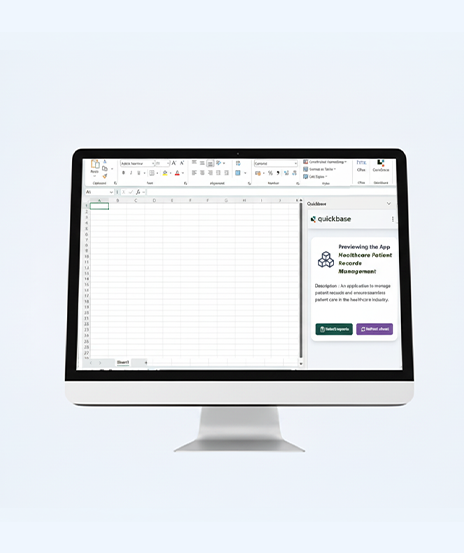
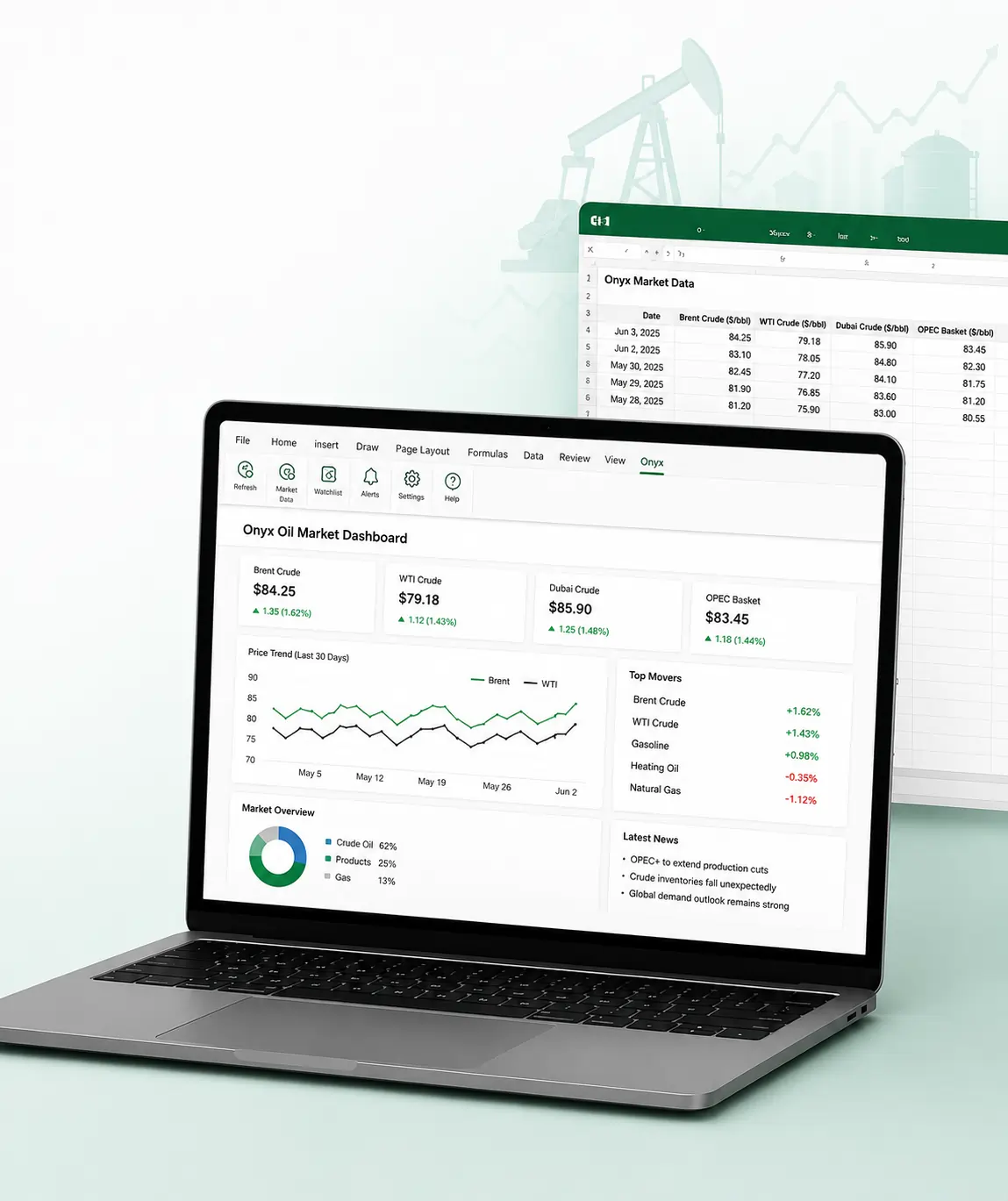
Onyx Microsoft Excel Add-in for Oil Market Data Tracking

Onyx Microsoft Excel Add-in for Oil Market Data Tracking

This Excel add-in enables live oil price tracking, secure authentication, and streamlined workflows for trading and analysis.

Impacts Achieved

100%
Live Data Access
75%
Improved Trading
70%
Faster Decision
  View Case Study  
Safeguarding Work with Multi Location File Storage Add in

Safeguarding Work with Multi Location File Storage Add in

We built this add-in for file management. It organizes data, improves access, and reduces clutter.

Impacts Achieved

95%
Improve Storage
98%
Working efficiency
99%
Data Recovery
  View Case Study  
How iFour’s Add-in Made Reporting 60% Faster and Audit-Ready

How iFour’s Add-in Made Reporting 60% Faster and Audit-Ready

This solution helps manage Excel versions. It tracks changes, avoids conflicts, and improves control.

Impacts Achieved

90%
fewer errors
60%
faster reports
80%
audit-ready
  View Case Study  
 
Blog Our insights
AI in Legal Practice: Powerful Use Cases Every Lawyer Should Know

10 September 2026

Kapil Panchal

AI in Legal Practice: Powerful Use Cases Every Lawyer Should Know

Quick Summary Lawyers use AI to research faster, draft/review contracts, review large documents, track compliance, and automate legal workflows. However, they must verify...


How to Use Power BI for Sales Forecasting (Guide for CTOs)

06 August 2026

Kapil Panchal

How to Use Power BI for Sales Forecasting (Guide for CTOs)

Sales Forecasting isn't optional anymore. Whether you are a startup or a mid-level enterprise, every decision you make today depends on how well you predict the future. Instead...

AI in Power BI - Top Use cases and Best Practices

03 August 2026

Kapil Panchal

AI in Power BI - Top Use cases and Best Practices

Quick Summary: Power BI uses AI to automatically point out patterns, identify anomalies, and create forecasts, providing analysts and executives with the insights necessary...

Full Project Display
1 / 4