×

iFour Logo

Quick Summary

A leading commodity intelligence sector noticed something surprising: users were still copying data manually from dashboards into Excel for analysis. Despite having advanced tools, Excel remained their comfort zone.

To solve this, iFour built a custom Excel Add-in that connects directly to the platform. It brings live, authenticated, real-time market insights straight into spreadsheets.

No more copy-paste, no more delays. Just faster workflows fueled with automation and accuracy.

Impacts Observed:


Zero

Manual Work

95%

Fewer Errors

4+

Hrs. Saved Weekly

50%

Faster Decisions

90%

Data Accuracy

About the Client

Our Netherlands-based client serves buyers, sellers, and traders across 85+ countries who rely on accurate agricultural market intelligence.

Industry: Agricultural Data & Market Intelligence

Geography: Global, headquartered in Amsterdam

Size & Operations:Founded in 2018, employs ~51–200 people, trusted by 2,000+ professionals, covering 75+ commodities with 3,000+ data series

Initial Approach & Where It Failed: Their Analysts relied fully on MS Excel for custom models. This makes the workflow slow, manual, and error-prone.

Why They Came to Us: For an AI-powered solution supporting automated analytics, real-time pricing forecasts and market insights across multiple agricultural sectors.

Client overview
call to action

Automate your critical workflows using our highly rated Power Automate Consulting Services .

Client Success Stories

See how we've transformed businesses with custom software solutions

Challenge

As adoption grew, so did operational friction. Teams struggled to keep up their analysis with the real-time market. Key challenges included:

1

Manual data export from dashboards into Excel increased errors and efforts.

2

Outdated insights quickly became stale, weakening decision-making.

3

CRM, dashboards, and spreadsheets operated in silos, making analysis harder.

4

Smart features existed in the platform, but users couldn’t leverage them easily.

5

They needed a way to unify these workflows - without changing the tools.

The Solution (Vesper Excel Add-in)

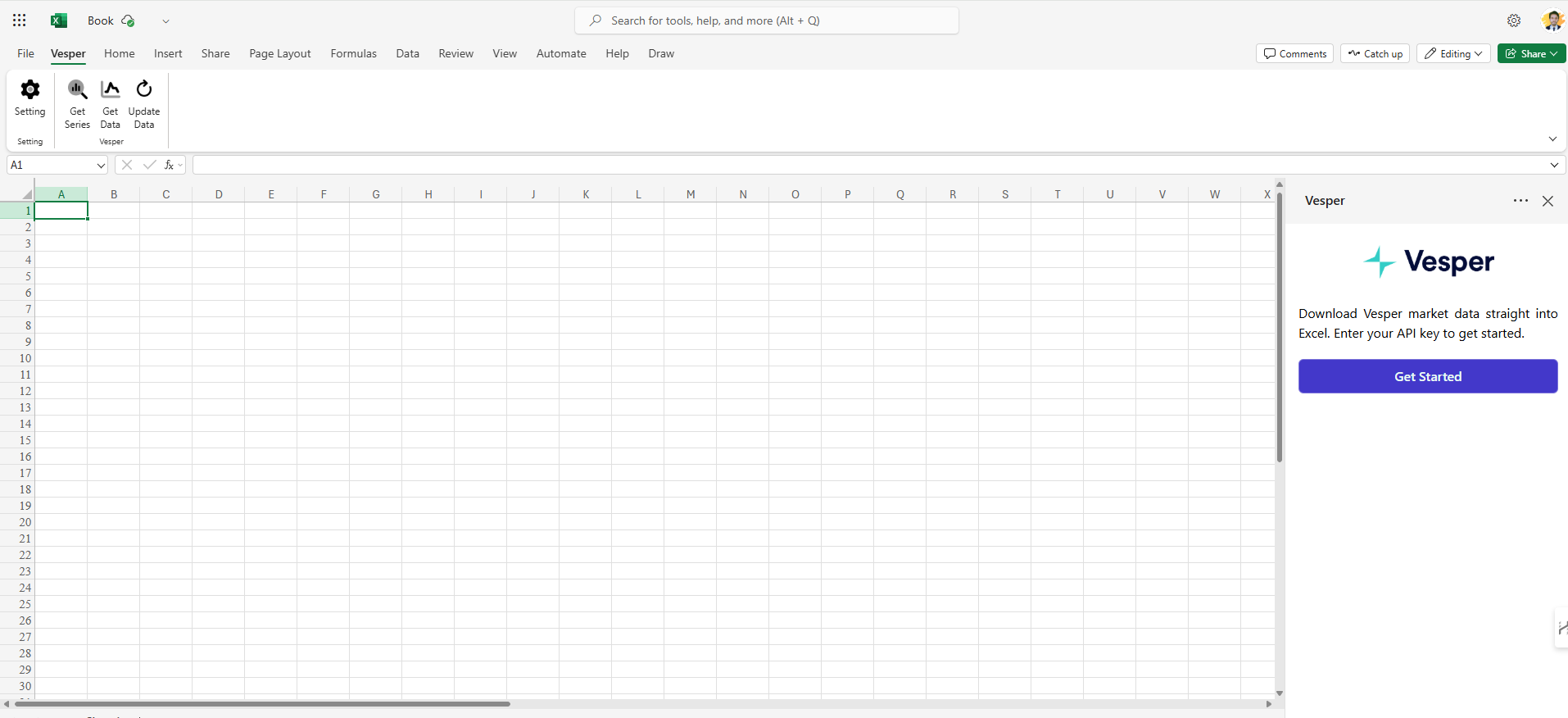
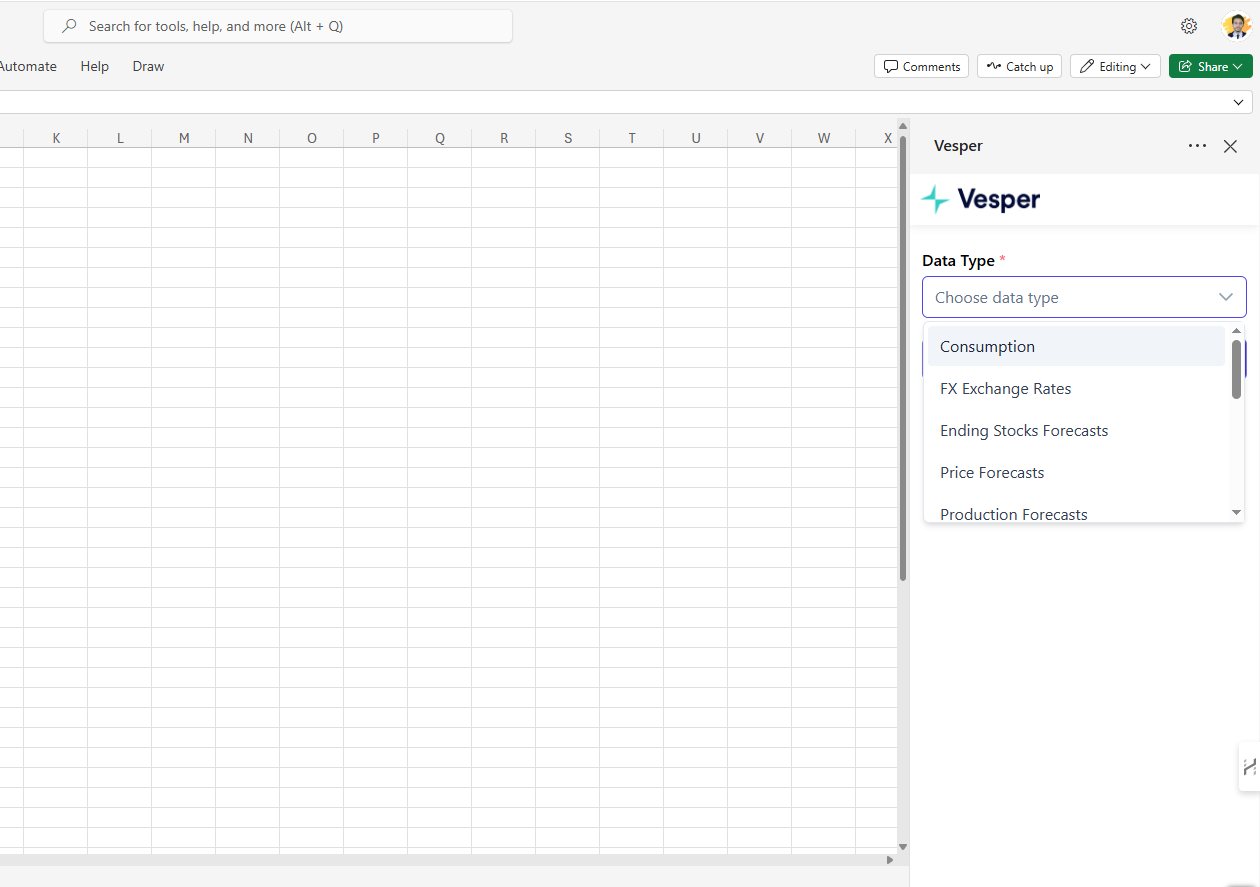
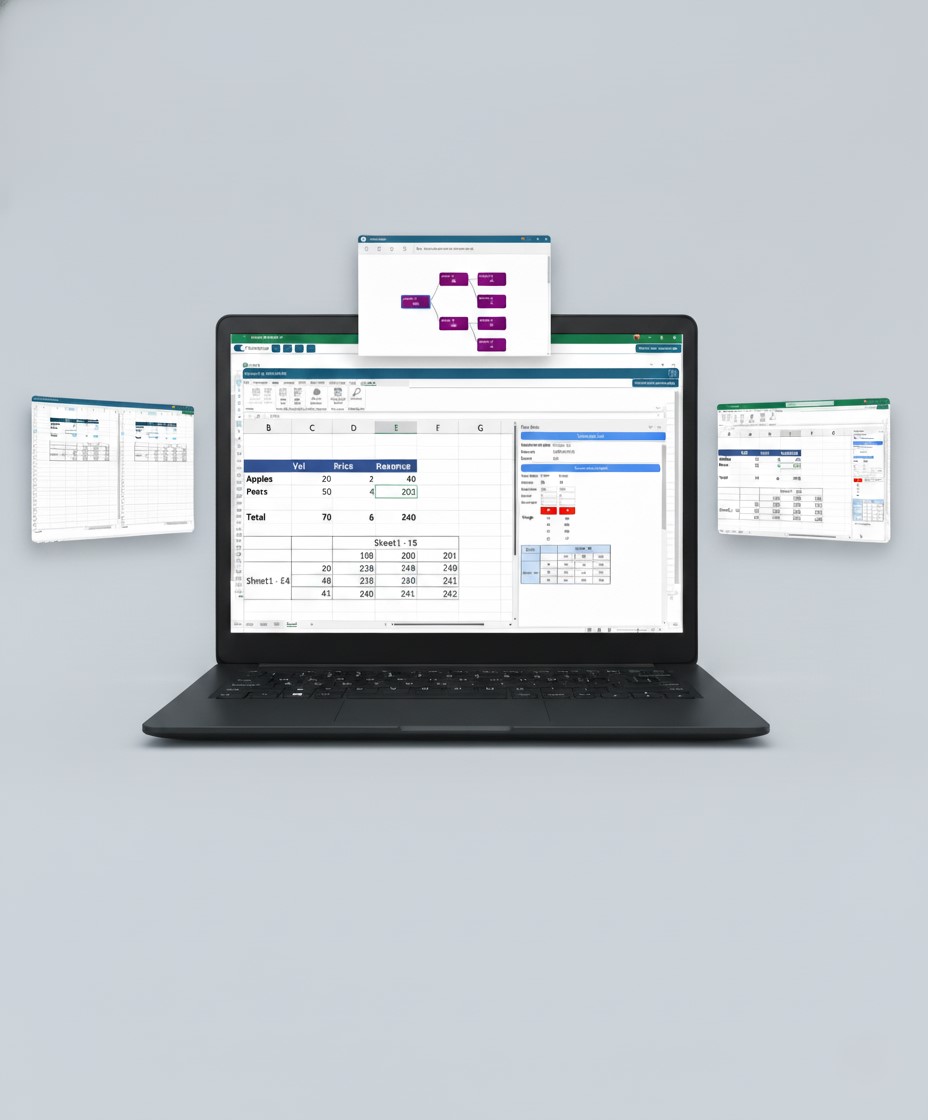
iFour built a custom, AI-based Microsoft 365 Excel Add-in that delivers real-time, authenticated market intelligence
- right inside Excel. Analysts stay in their natural workflow while eliminating manual processes.

AI Excel Add-in For Commodity Intelligence 08

Key Capabilities Delivered


  • API-Powered Excel Panel
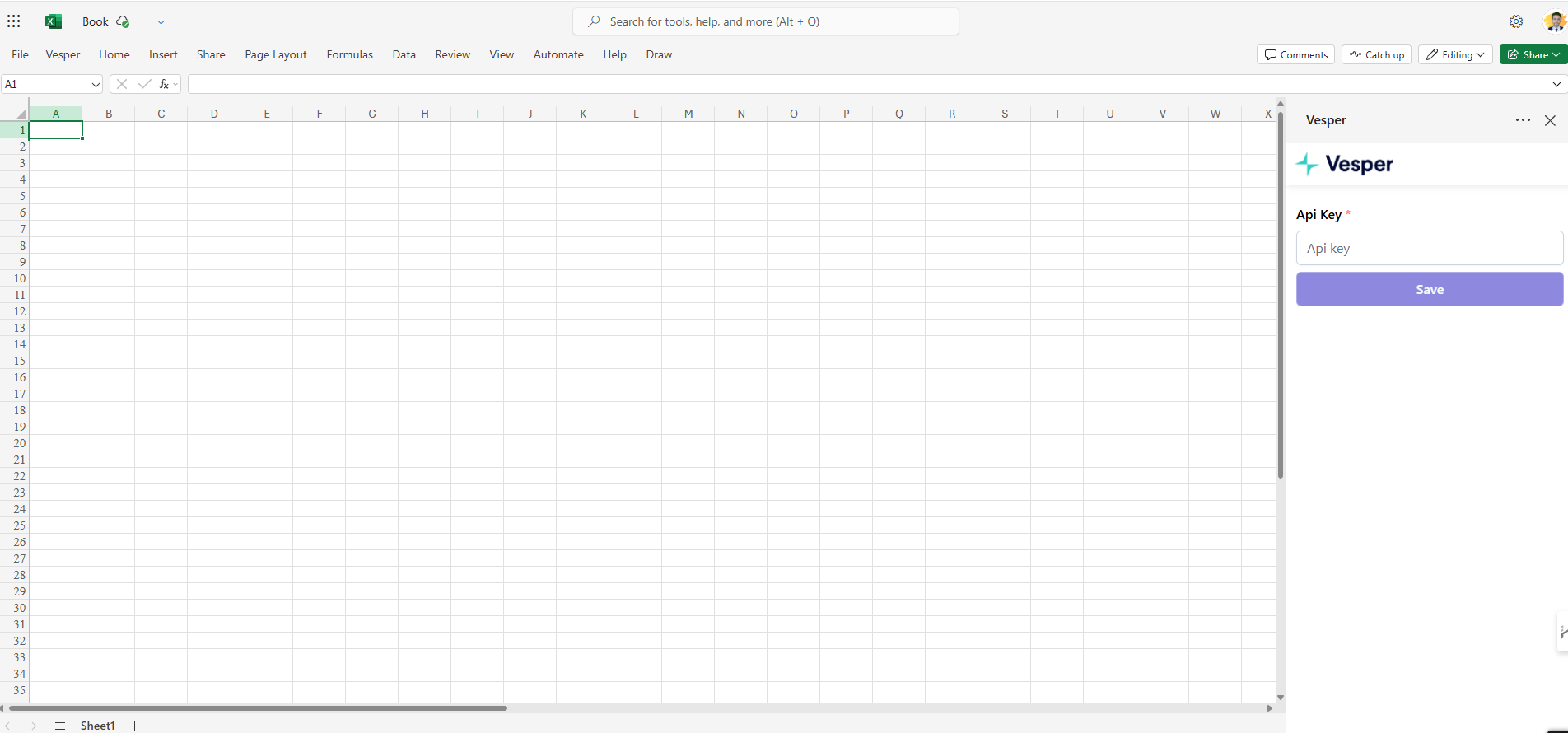
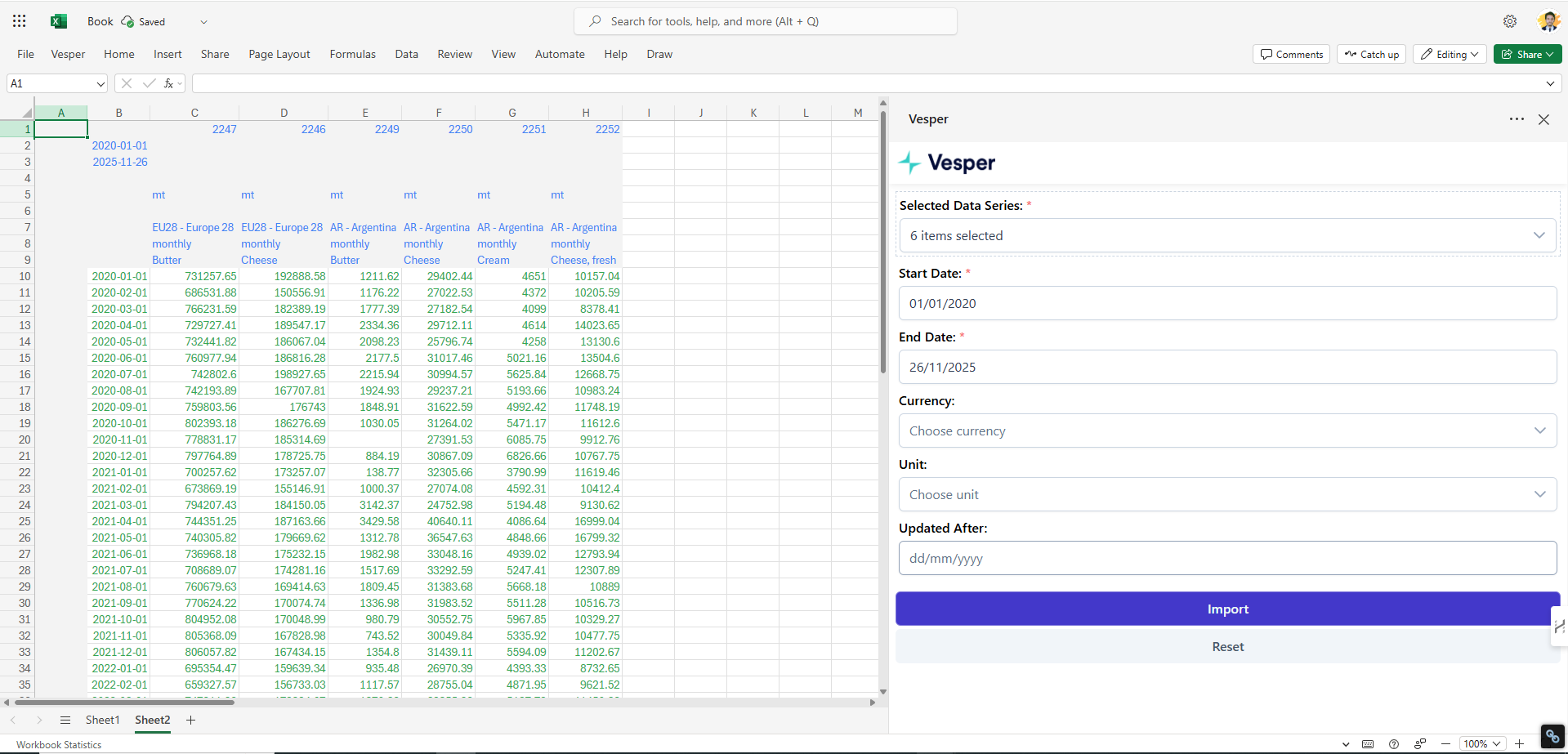
    Log in securely with an API key and access live intelligence feeds - no exporting, copying, or reformatting.
  • Modular Architecture for Multi-API Expansion
    A flexible integration layer supports multiple APIs, making the Add-in future-ready for new commodities and datasets.
  • CRM Integration
    Connect Excel with your CRM to pull customer interaction data for smarter sales planning, forecasting, and engagement tracking.

Premium Resources & Easy Sharing


  • Secure API Token Authentication
    Access commodity data in Excel without passwords. Tokens validate securely, reducing unauthorized access risks.
  • Dynamic Parameter & Data Series
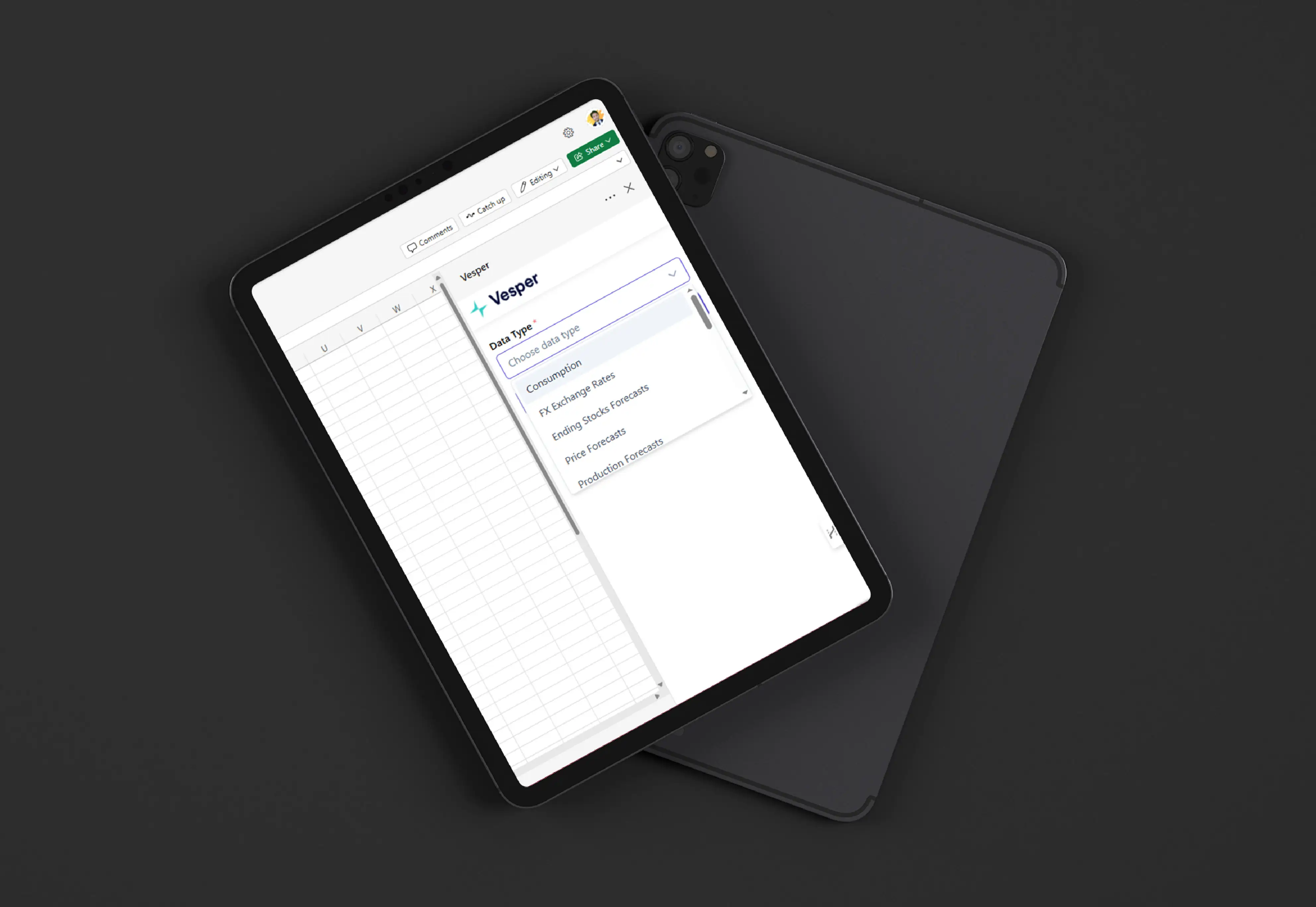
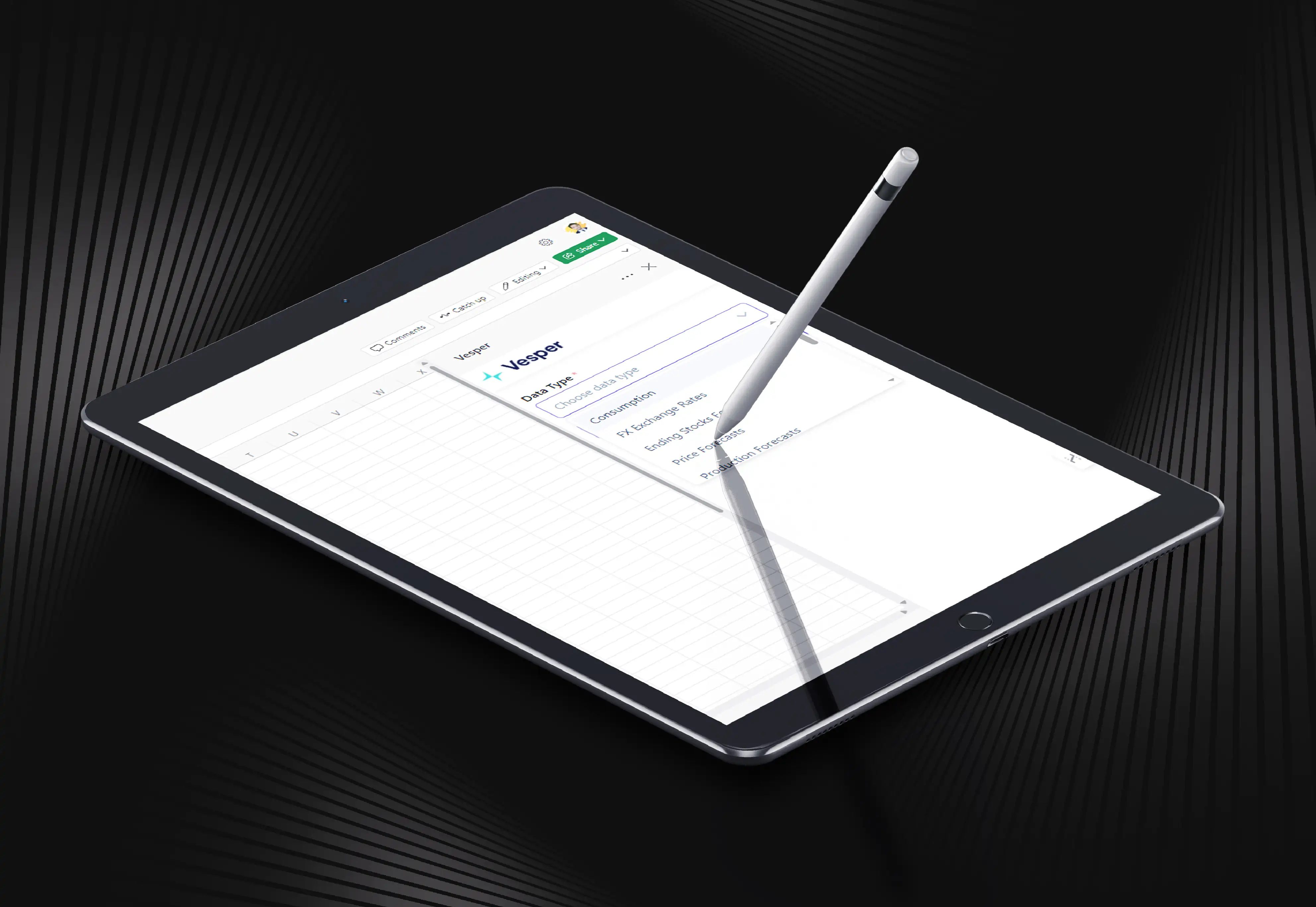
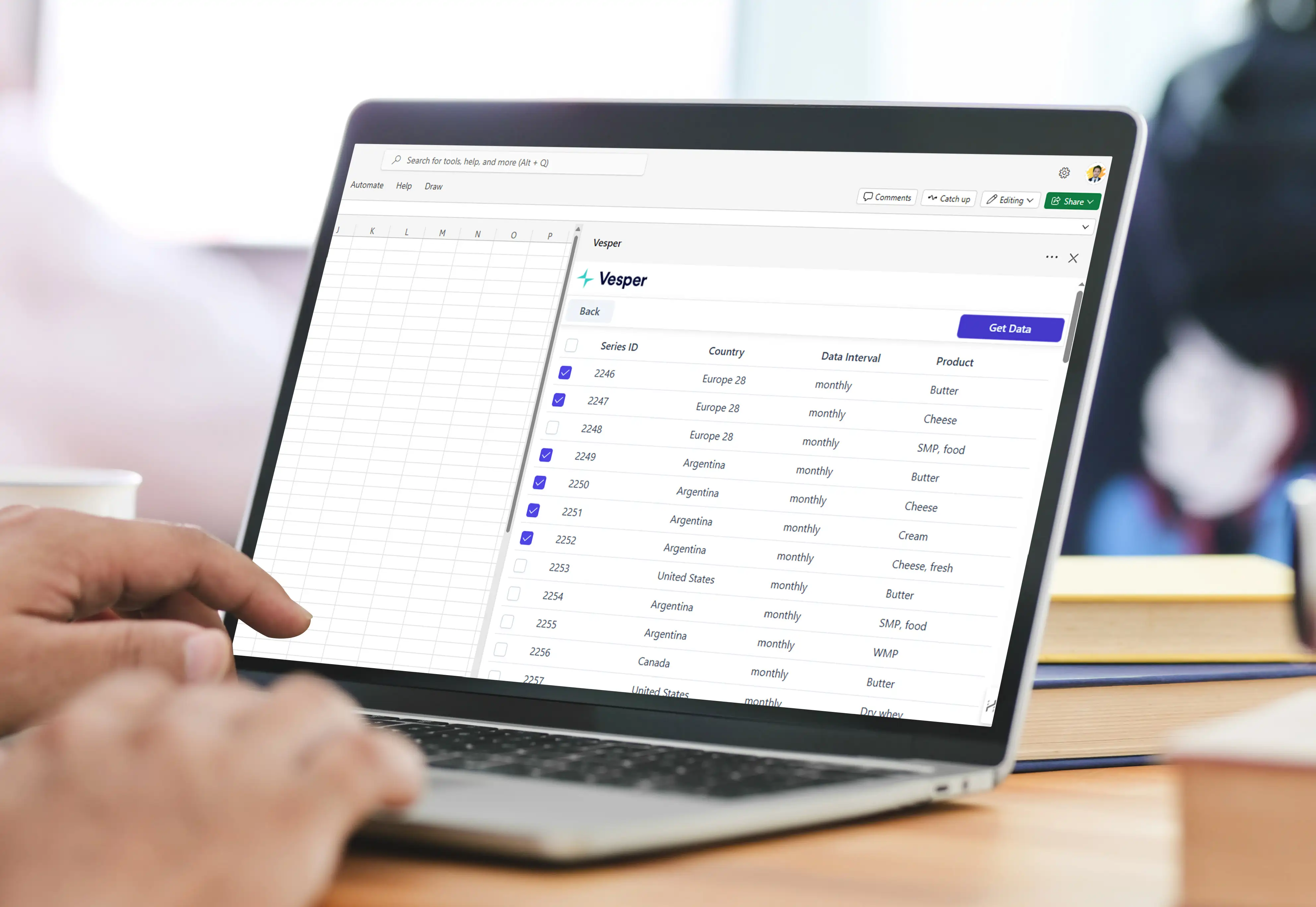
    Sign in and instantly pull parameters and data series. Choose markets, attributes, and datasets with ease.
  • Reusable Templates with Auto-Refresh
    Build templates linked to live data. Open or refresh, and get the latest insights—automatically.
  • Real-Time Cell-Level Binding
    Map cells to live data points. Values update dynamically, turning spreadsheets into interactive dashboards.
  • CRM-Backed Insights in Excel
    Bring CRM data into Excel. Combine sales and market intelligence for smarter decisions.
AI Excel Add-in For Commodity Intelligence 09
call to action

Enhance your business productivity using iFour's Microsoft 365 consulting services.

Security, Compliance & Governance

The solution was engineered with enterprise-grade safeguards:
  1. End-to-end encrypted authentication
  2. Secure API token access
  3. Azure-backed infrastructure
  4. Role-based access controls
  5. GDPR-aligned data handling
  6. Scalable, compliant architecture supporting future ISO/HIPAA needs
How We Built It

(Technology Stack & Architecture)

Frontend: Microsoft 365 Excel Add-in (OfficeJS)
Backend: API-driven architecture
Cloud: Azure-hosted services
Integrations: Multi-API support, CRM connectivity
Design Approach: Modular and scalable to support new commodities, datasets, and future forecasting models

Results That Mattered

The AI-based Add-in revolutionized how professionals build presentations:

  • 2,000+ users now access real-time commodity data directly from Excel
  • Used across 85+ countries by procurement, trading, research, and sales teams
  • 100% elimination of manual copy-paste
  • No problems in existing workflows. Excel remained their main analytical tool
  • Reporting processes reduced from hours to minutes
  • CRM-connected insights enabled Sales teams to focus on strong strategy.
Key outcomes
“The AI Excel Add-in has considerably changed how our teams access and analyze market data.
Real-time insights inside Excel have removed hours of manual work and improved the accuracy of our decision-making.”— Head of Product & Intelligence

iFour built an AI-powered Excel Add-in that delivers live market intelligence inside MS Excel. It eliminates the manual headache of copy-paste insights, making analysts stick to their familiar workflow forever.

Here's a glimpse of what it turned into.

  • From manual spreadsheets to live intelligence.
  • From fragmented workflows to connected insights.
  • From reactive decisions to proactive strategy.

So, that's how a Commodity Intelligence leader achieved full Excel Automation. To see how we modernize Office 365 Add-ins using Copilot AI, check this out.

iFour provided smooth rollout support, including installation guidance, user onboarding, and continuous assistance. The modular design ensures the Add-in can scale to new commodities, integrate additional APIs, and evolve with the client’s product roadmap.

Want to modernize your data integration: market data, CRM insights, or internal systems to Excel? Let’s connect and make it work smarter.

Turn your manual tasks into intelligent processes with our Azure AI consulting services.

Contact Us Now
contact team
talk with team

Get In Touch With Us

We encourage you to contact us with any questions or comments you may have.

image

Our Portfolio

Take a look at our latest projects, where digital transformation comes to life.

A Brisbane Security Firm Slashes Its Admin Time By 40%

A Brisbane Security Firm Slashes Its Admin Time By 40%

We created this system for security automation. It manages entry, improves monitoring, and reduces manual effort.

Impacts Achieved

40%
Less Admin
100%
Real-Time Updates
25%
Better Punctuality
  View Case Study  
Custom Excel Add-in Slashes 70% of Manual Data Tasks for U.S. Firm

Custom Excel Add-in Slashes 70% of Manual Data Tasks for U.S. Firm

This solution helps manage Excel versions. It tracks changes, avoids conflicts, and improves control.

Impacts Achieved

70%
Less Work
100%
Faster Reports
3X
Productivity
  View Case Study  
Streamlining Document Creation with a Law Practice Management Add-in

Streamlining Document Creation with a Law Practice Management Add-in

This solution helps law firms manage operations. It tracks cases, manages tasks, and improves workflow visibility.

Impacts Achieved

80%
Faster Drafting
60%
Less Manual Work
100%
Data Security
  View Case Study  
Onyx Microsoft Excel Add-in for Oil Market Data Tracking

Onyx Microsoft Excel Add-in for Oil Market Data Tracking

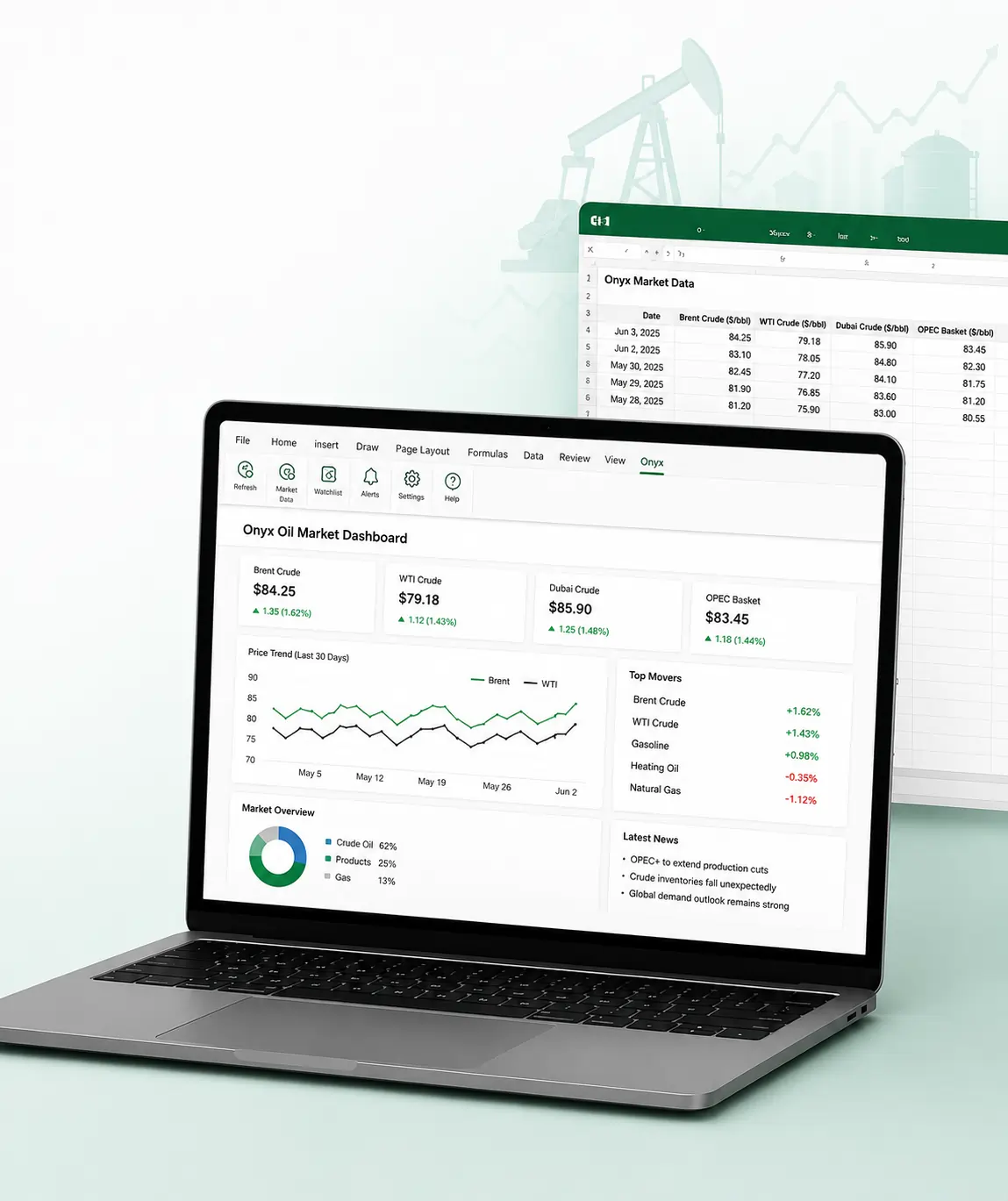
This Excel add-in enables live oil price tracking, secure authentication, and streamlined workflows for trading and analysis.

Impacts Achieved

100%
Live Data Access
75%
Improved Trading
70%
Faster Decision
  View Case Study  
Safeguarding Work with Multi Location File Storage Add in

Safeguarding Work with Multi Location File Storage Add in

We built this add-in for file management. It organizes data, improves access, and reduces clutter.

Impacts Achieved

95%
Improve Storage
98%
Working efficiency
99%
Data Recovery
  View Case Study  
How iFour’s Add-in Made Reporting 60% Faster and Audit-Ready

How iFour’s Add-in Made Reporting 60% Faster and Audit-Ready

This solution helps manage Excel versions. It tracks changes, avoids conflicts, and improves control.

Impacts Achieved

90%
fewer errors
60%
faster reports
80%
audit-ready
  View Case Study  
 
Blog Our insights
AI in Legal Practice: Powerful Use Cases Every Lawyer Should Know

10 September 2026

Kapil Panchal

AI in Legal Practice: Powerful Use Cases Every Lawyer Should Know

Quick Summary Lawyers use AI to research faster, draft/review contracts, review large documents, track compliance, and automate legal workflows. However, they must verify...


How to Use Power BI for Sales Forecasting (Guide for CTOs)

06 August 2026

Kapil Panchal

How to Use Power BI for Sales Forecasting (Guide for CTOs)

Sales Forecasting isn't optional anymore. Whether you are a startup or a mid-level enterprise, every decision you make today depends on how well you predict the future. Instead...

AI in Power BI - Top Use cases and Best Practices

03 August 2026

Kapil Panchal

AI in Power BI - Top Use cases and Best Practices

Quick Summary: Power BI uses AI to automatically point out patterns, identify anomalies, and create forecasts, providing analysts and executives with the insights necessary...

Full Project Display
1 / 4